
VirtualBox fails on startup
June 28, 2016
· admin
Ubuntu
Virtual Box
Result Code: NS\_ERROR\_FAILURE (0x80004005) / Kernel driver not installed (rc=-1908) are the errors displayed when the kernel driver needs to be recompiled. It usually happens when updates to Ubuntu are installed.
The kernel driver can be recompiled by issuing one the following commands:
Port forwarding using SSH
June 26, 2016
· admin
Unix
Ubuntu
SSH
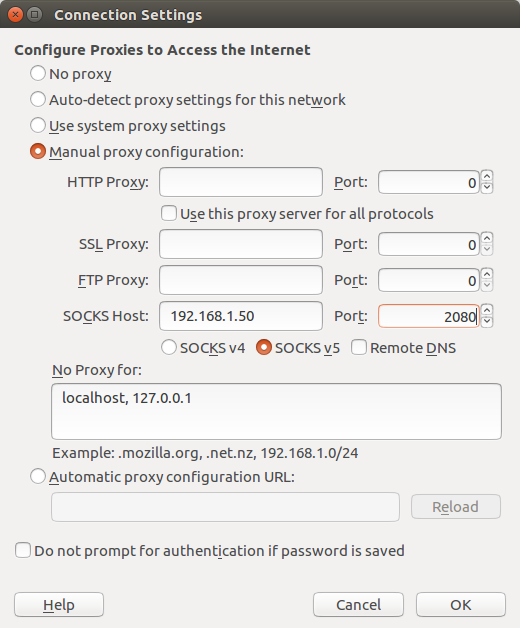
SSH port forwarding let you connect to a server using another server a relay.
For example, if you host a web server in a DMZ behind your office router, you will not be able to access it using its public URL if your workstation is behind the same router.
You can easily implement a workaround if you have access to a server on the Internet. Issue this command on one of the machines connected on the same network as your workstation.
Reset Unity Top Menu Bar Widget Panel
June 20, 2016
· admin
Ubuntu
Unity
Sometimes, widget disappears from the Top Menu Bar Widget Panel of Unity. The Widget Panel can be reset using the following command:
Make Linux use the hardware clock set to local time
June 3, 2016
· admin
Ubuntu
Linux
Ubuntu sometimes assumes that the hardware clock of the computer is set to GMT. If the hardware clock is set to local time, set UTC=no in /etc/default/rcS.
Move and secure the MySQL data directory
May 28, 2016
· admin
Ubuntu
Linux
MySQL
By default, the data directory of MySQL is /var/lib/mysql. This can be a security issue, especially on a laptop. If your home directory is encrypted, you can easily secure you MySQL data. Backup you data before using this information. Read the procedure until the end before doing anything.
First, follow these steps to move the data directory of MySQL.
hwclock: ioctl(RTC_RD_TIME) to /dev/rtc to read the time failed: Invalid argument
May 1, 2016
· admin
Raspberry PI
ARPI600
Raspbian
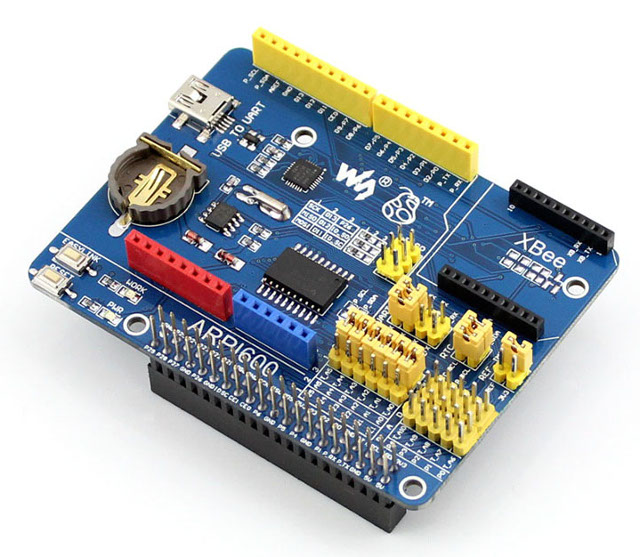
This error occurred on Raspbian Jessie using an ARPI600. I was trying to set up the real-time clock. I could resolve the issue by running the following command:
hwclock --systohc -D --noadjfile --utc
after enabling it with the command
echo pcf8563 0x51 > /sys/class/i2c-adapter/i2c-1/new_device
0x51 may differs on you installation. Run i2cdetect -y 1 to find the right value.
Extrusion Rail Customizable Fastener
March 27, 2016
· admin
3D Printing
object
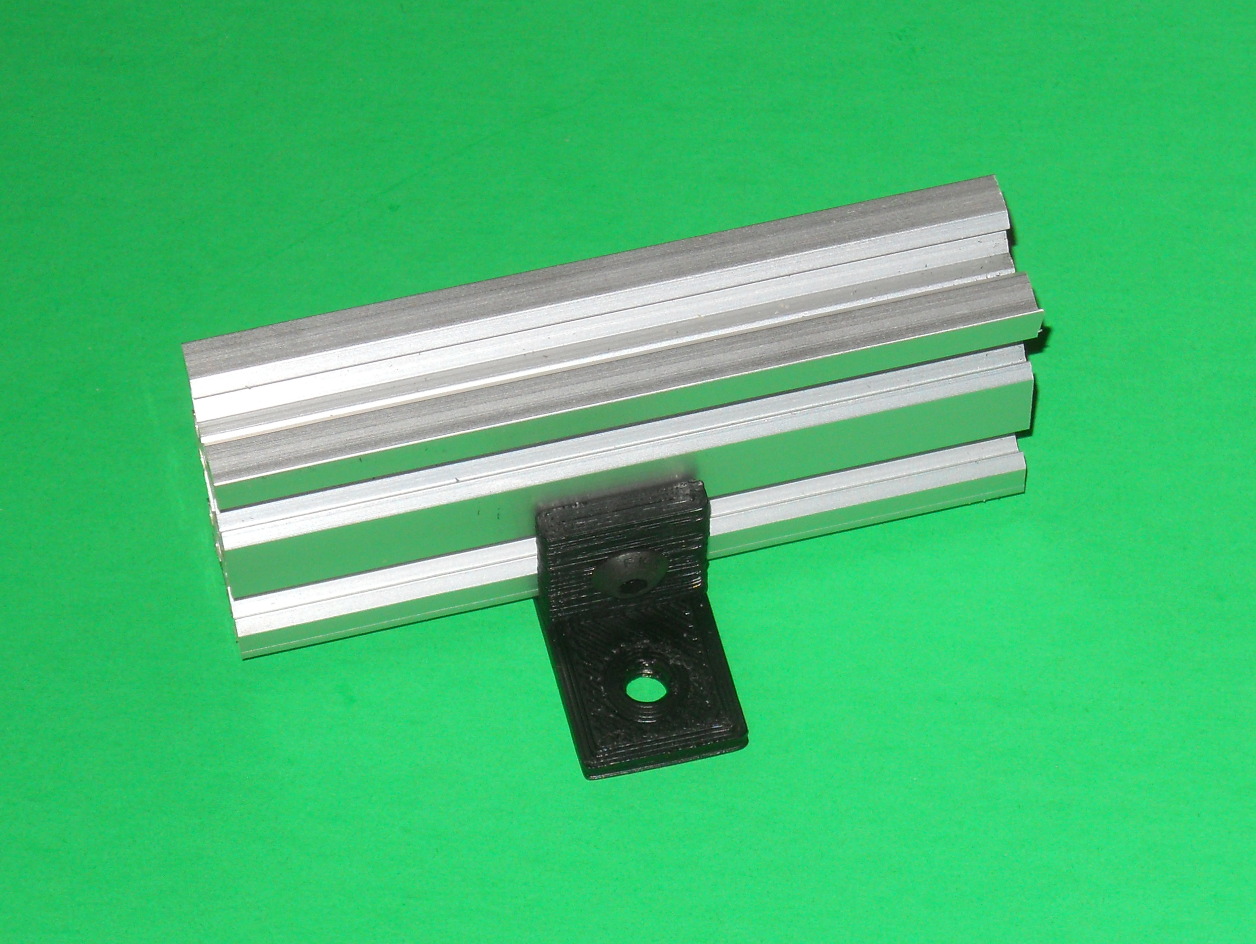
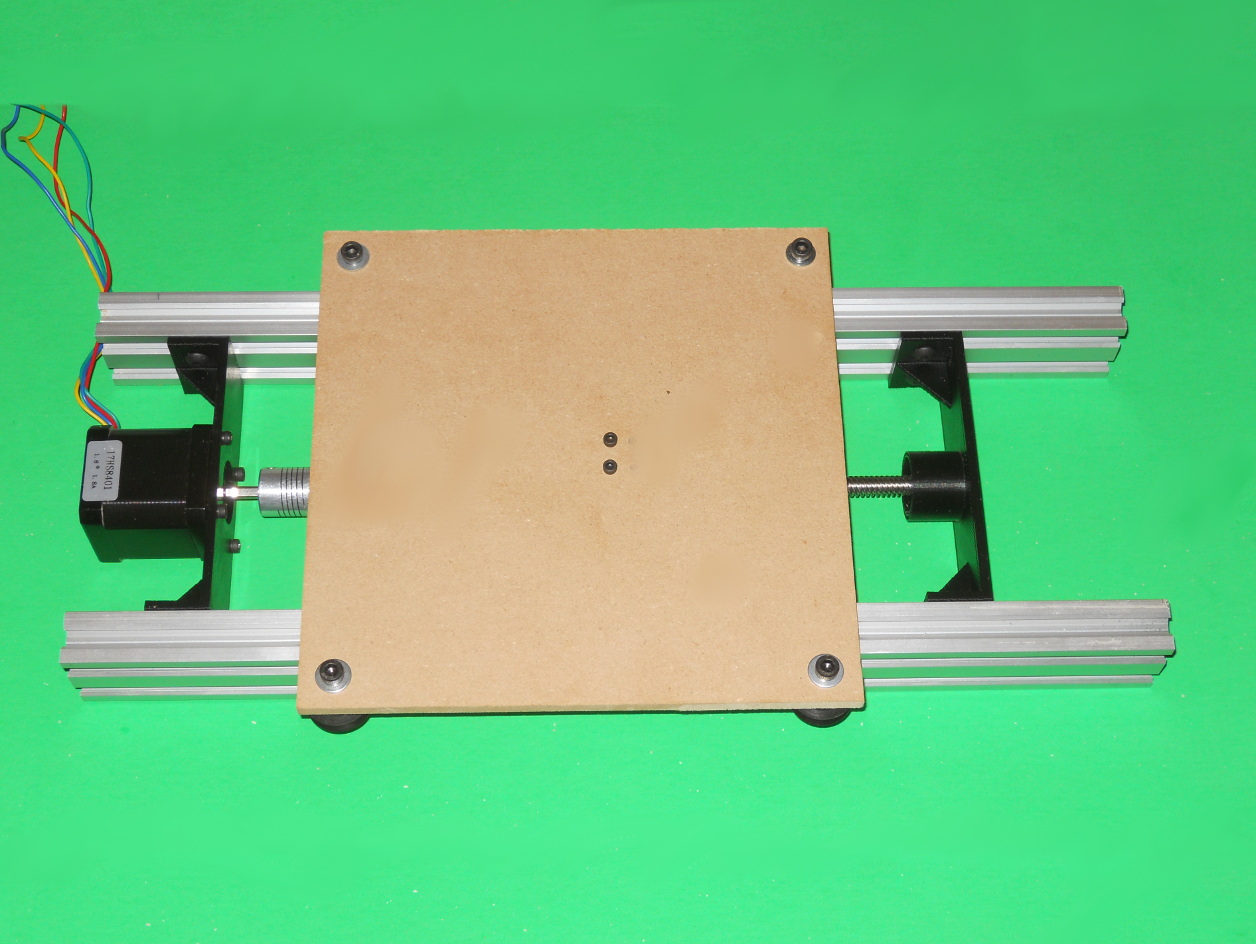
The purpose of this bracket is to fasten an extrusion rail such as V-SLOT™ to a surface. For example, these are used to fasten the Customizable Linear Carriage Generator (http://www.thingiverse.com/thing:1411601) to the wooden base of the device.
To generate this bracket, open the "Parameters.scad" file with OpenScad and modify the parameters to suit your needs. The parameter extraExtrusionHeight rises further more the extrusion. Open "Extrusion Mounting Bracket.scad" with OpenScad, render it, export the model and print it.
You will need a T-Slot insert and a screw to fasten it to the extrusion rail.
Customizable Linear Carriage Generator
March 19, 2016
· admin
3D Printing
object
This set of files generate the printable parts needed to build a linear carriage. It can be heavily customized.
The Libre Office Calc file is used to compute some key values needed to create the printable parts. Some resulting values have a variable name on the right. These values shall be copied into the Parameters.scad file. It is the only OpenScad file that contains modifiable parameters.
Once you have customized the parameters in Parameters.scad, open the files "Linear Carriage Double Track Bearing Mount.scad", "Linear Carriage Double Track Motor Mount.scad" and "NutBracket.scad" with OpenScad, render them and export the three model. Before printing or cutting material, verify carefully the overall part sizes. Invalid parts may be generated if incoherent values are inputted.
The value given in the files are for:
Fix “The Update Information Is Outdated”
March 13, 2016
· admin
Ubuntu
Ubuntu 14.04
Ubuntu 15.04
Sometimes, the message "The Update Information Is Outdated" is displayed when you click on a red warning red icon in the status bar. It happened to me last week. This time, it was caused by a Google Chrome update that failed. First, open a terminal (Control + Alt + T) and run the command
Parametric utility box
February 21, 2016
· admin
3D Printing
object
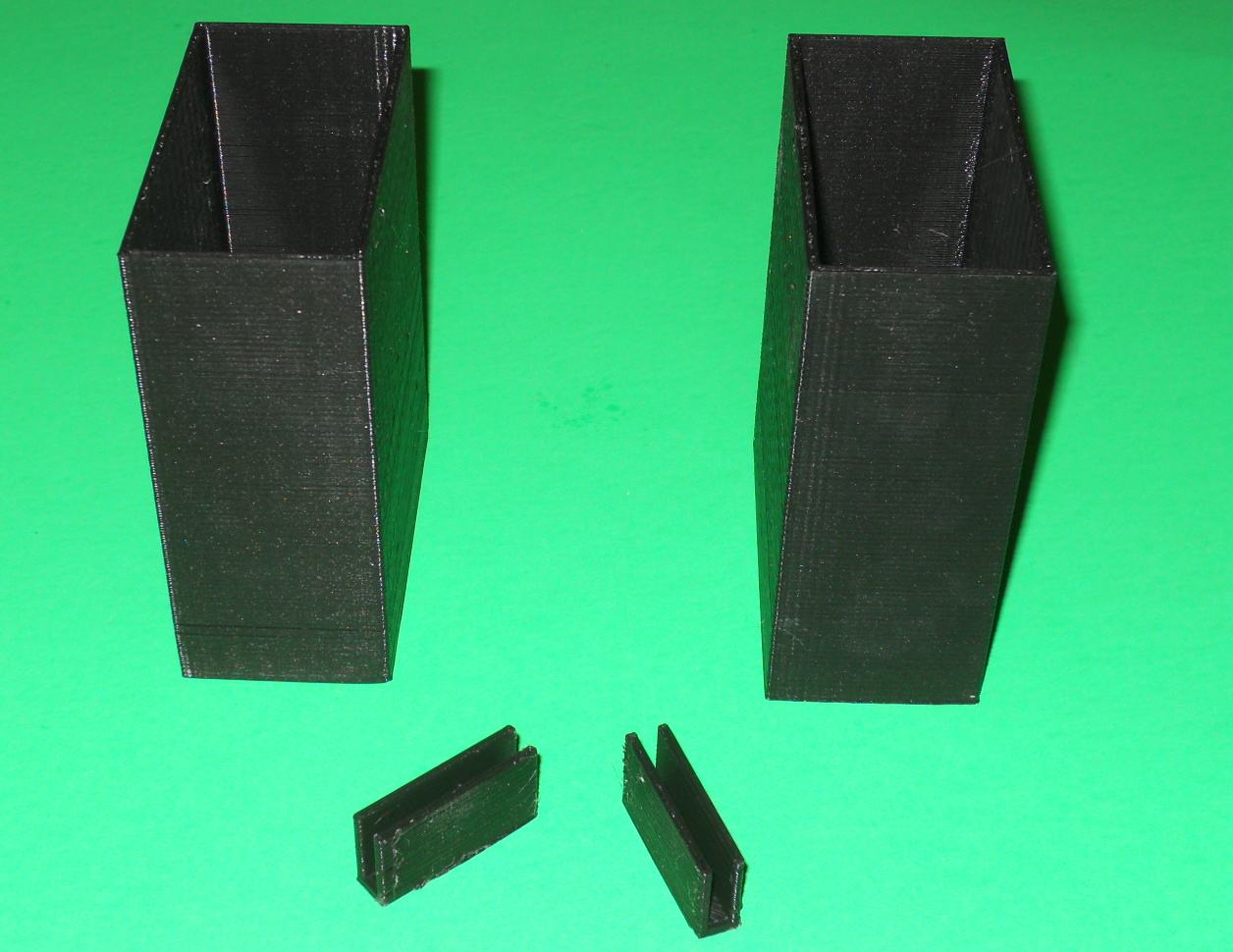
This object is a parametric utility box with a bracket to join them together either by their sides or fronts. Sample STL files have been provided, which yield a box of 75 mm in width, 40 mm in depth and 100 mm in height along with both joining brackets.
To customize these boxes, you will need to install OpenScad. The parameters that need to be customized are all in "Parameters.scad" file. Open the "Box.scad, "SideClip.scad" and "FrontClip.scad" with OpenScad and generate the corresponding STL files.