
Maximum Frequency of a ESP8266 - Revisited
November 27, 2015
· admin
ESP8266
IoT
Internet of Things
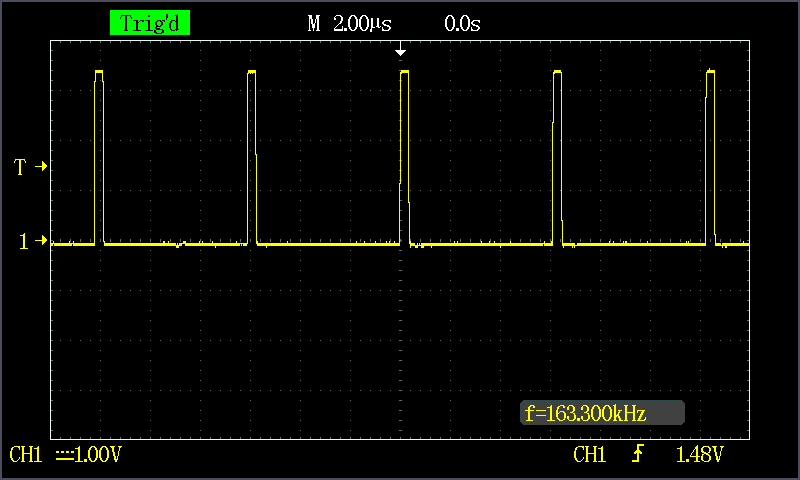
The ESP8266 can yield a 163 kHZ wave using the Arduino IDE and writing the code in C. The code used is:
Maximum Frequency an ESP8266 can yield
November 26, 2015
· admin
ESP8266
NodeMCU
IoT
Internet of Things
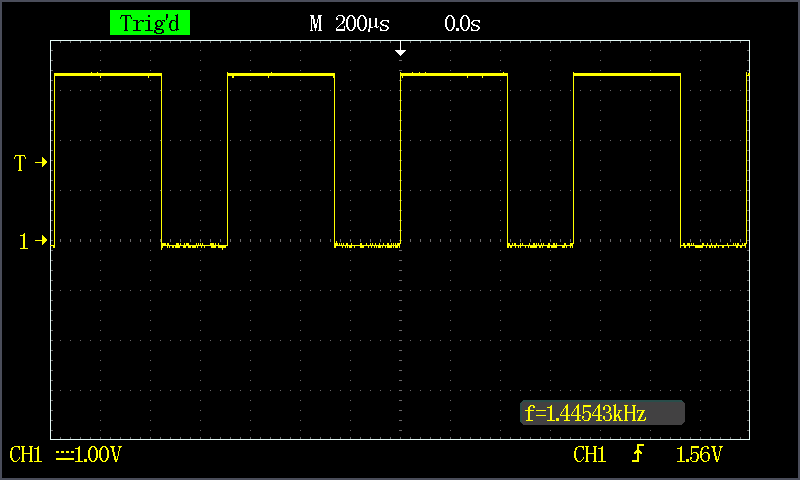
An ESP8266 running NodeMCU can yield maximum frequency of 1.44 kHz with a duty cycle of 61%. The wave form is given below. The code used to perform this test is:

Interrupt NodeMCU init.lua
November 24, 2015
· admin
Linux
ESP8266
NodeMCU
IoT
Internet of Things
It can be sometimes challenging to regain control of the NodeMCU running on a ESP8266 when init.lua has a tight loop in it. To do so, first, download esptool.py from GitHub.
Execute the following command
ESP8266 Resources Page
November 22, 2015
· admin
ESP8266
NodeMCU
IoT
Internet of Things
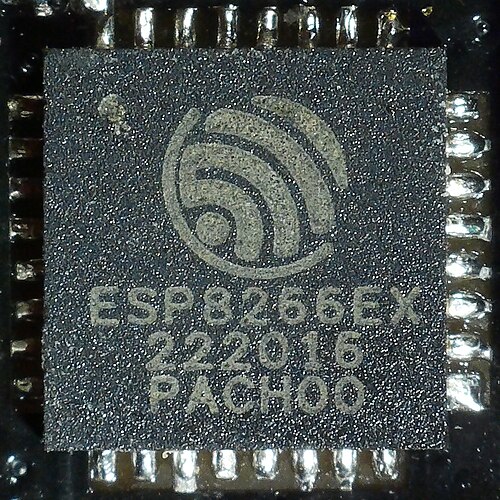
I have written a page that contains many useful links about the ESP8266 platform. You can display this page either using the top menu option "ESP8266 Resources" or by cliking on this link.
ESP8266 - Remarkable free book
November 21, 2015
· admin
ESP8266
NodeMCU
IoT
Internet of Things
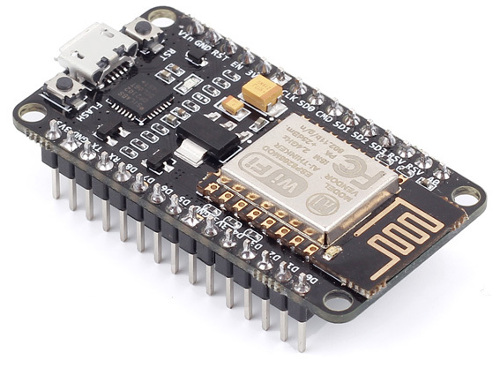
A remarkable book about the ESP8266 is freely available. It can be downloaded from Kolban’s book on the ESP8266. It contains more than 300 pages of information. This book is a very good overview of the technology and a great starting point if you want to develop around this device.

EGit does not shows project decorations
October 31, 2015
· admin
Eclipse
GIT
Decorations are not displayed when some commits are not pushed EGit within the Eclipse IDE. These are the UP and DOWN arrows shown to the right of the project name in Eclipse Project Explorer. This issue can be resolved by going into the properties of the GIT repository in the Git Repositories view. Then click on Add Entry and add the following keys and values:
Hard reset a Cree Connected light bulb
September 23, 2015
· admin
automation
Wink
Cree
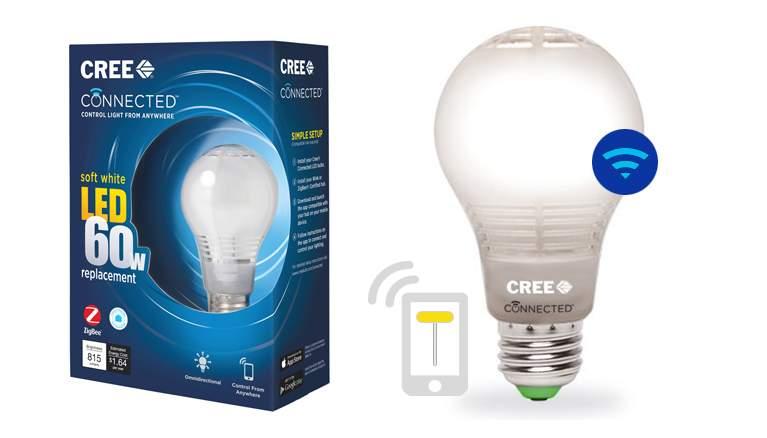
I acquired a few days ago a Wink Hub along with a few Cree Connected light bulbs. I couldn't pair them. Out of 5 bulbs, I was able to pair only one of them! After reading many posts on the Internet, I have made sure that the Wink Hub is not near my router, the light bulb was in range of the Wink Hub, and so on. I found out that one possible solution was to reset the light bulbs. I found the same recipe on many web sites, which were saying: "Turn the bulb off for 2 seconds, then on for 2 seconds. Repeat three more times. After the fourth cycle, the bulb will flash, indicating that the reset was successful." It wasn't working.
I contacted the technical support of Wink. They gave me the following method which worked right away. The method they gave me is:
1. Begin with the bulb turned off
2. Turn the bulb ON for 1 second
3. Turn the bulb OFF for 2 seconds
4. Repeat steps 2 and 3 until the bulb momentarily dims (about 4 or 5 times)
5. It will only dim for a second, signaling that it has been factory reset
Notice on step 2, 1 second, not 2. I could pair my 4 other bulbs without any problem.
Maximum frequency an Arduino can generate
September 7, 2015
· admin
Arduino
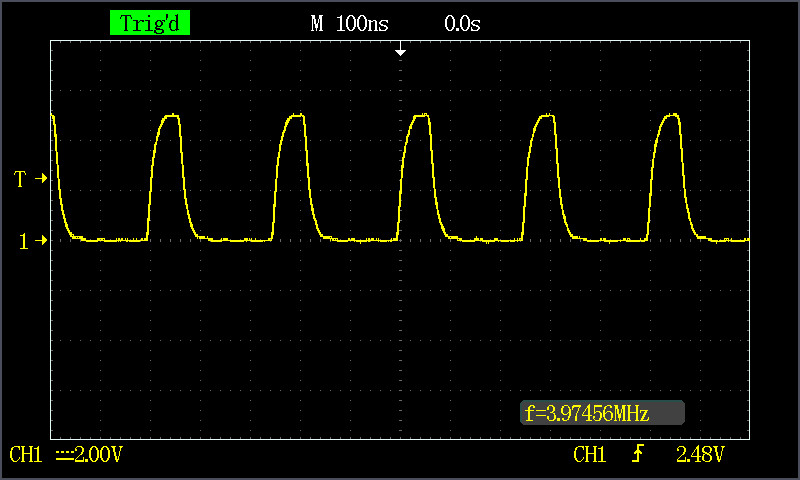
What is the maximum frequency an Arduino can generate? Typically, I obtained a frequency of less than 100 kHz using the Arduino function calls. The results were lower than I expected. I also observed that I had a frequency higher by 25 kHz using a pin from the 8 to 13 pin set than a pin from the 0 to 7 pin set. These tests yield a virtually perfect waveform. I obtained almost 4 MHz by accessing the register directly. The waveform was not as good as the waveform of the first four tests. The waveform is given in Figure 1.
TRENDnet TK-207K KVM Mounting Bracket
August 28, 2015
· admin
3D Printing
object
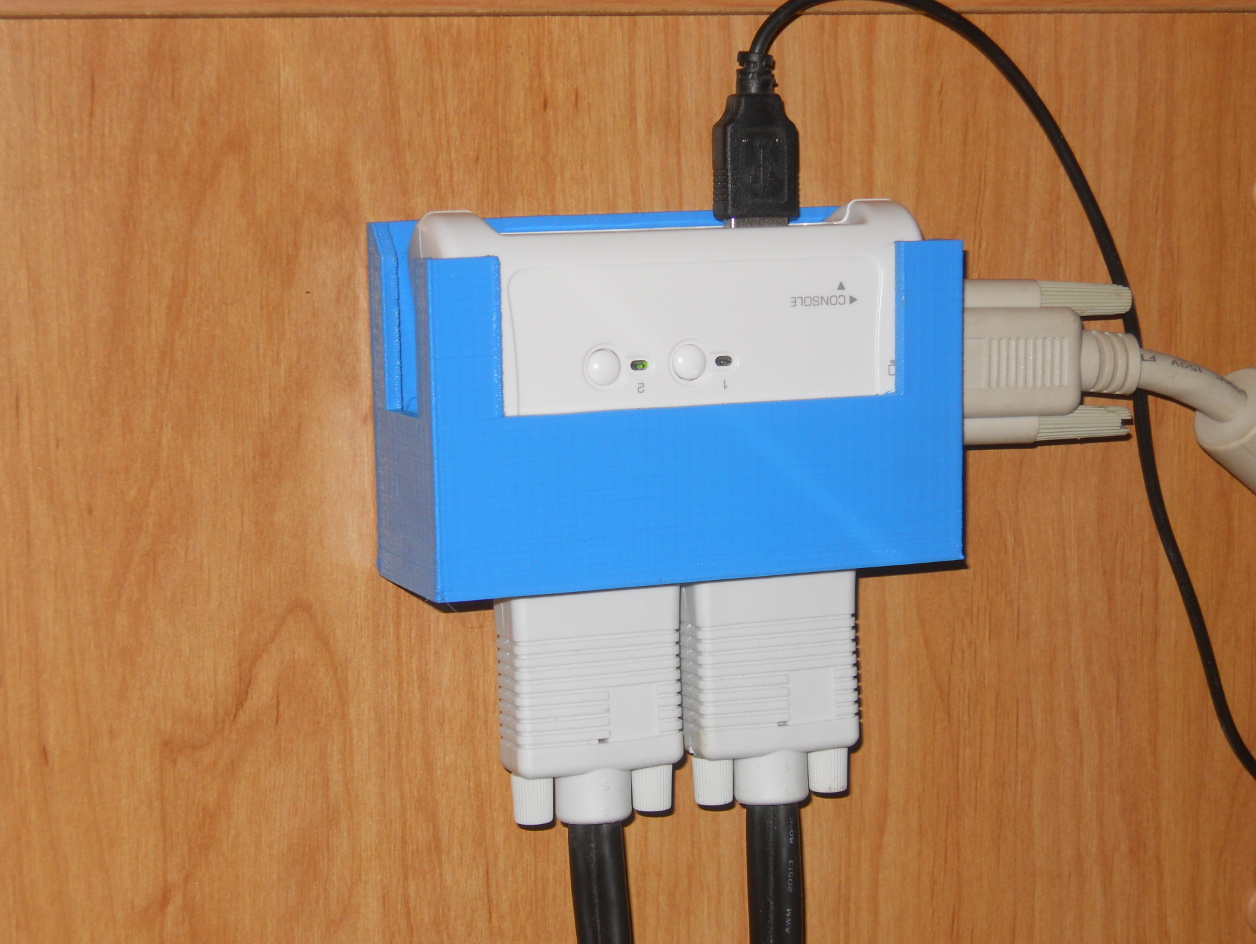
This is a mounting bracket for the TRENDnet TK-207K KVM. It is a 2-Port USB KVM Switch. The device labeling is upside down. I preferred to have the heavy cables downward.
This model is also published on Thingiverse.

How about a Raspberry PI 2 as a firewall?
August 26, 2015
· admin
Unix
Raspberry PI
Wheezy
Networking
A Raspberry PI 2 performs as expected exceptionally well as a firewall. The download throughput achieved was 33 Mbits/sec under the same test conditions as the previous test (see Can A Raspberry PI Be Used As A Firewall? for more details). The CPU usage was about 5% during the download test. The CPU usage was around 2% while performing the upload test.