
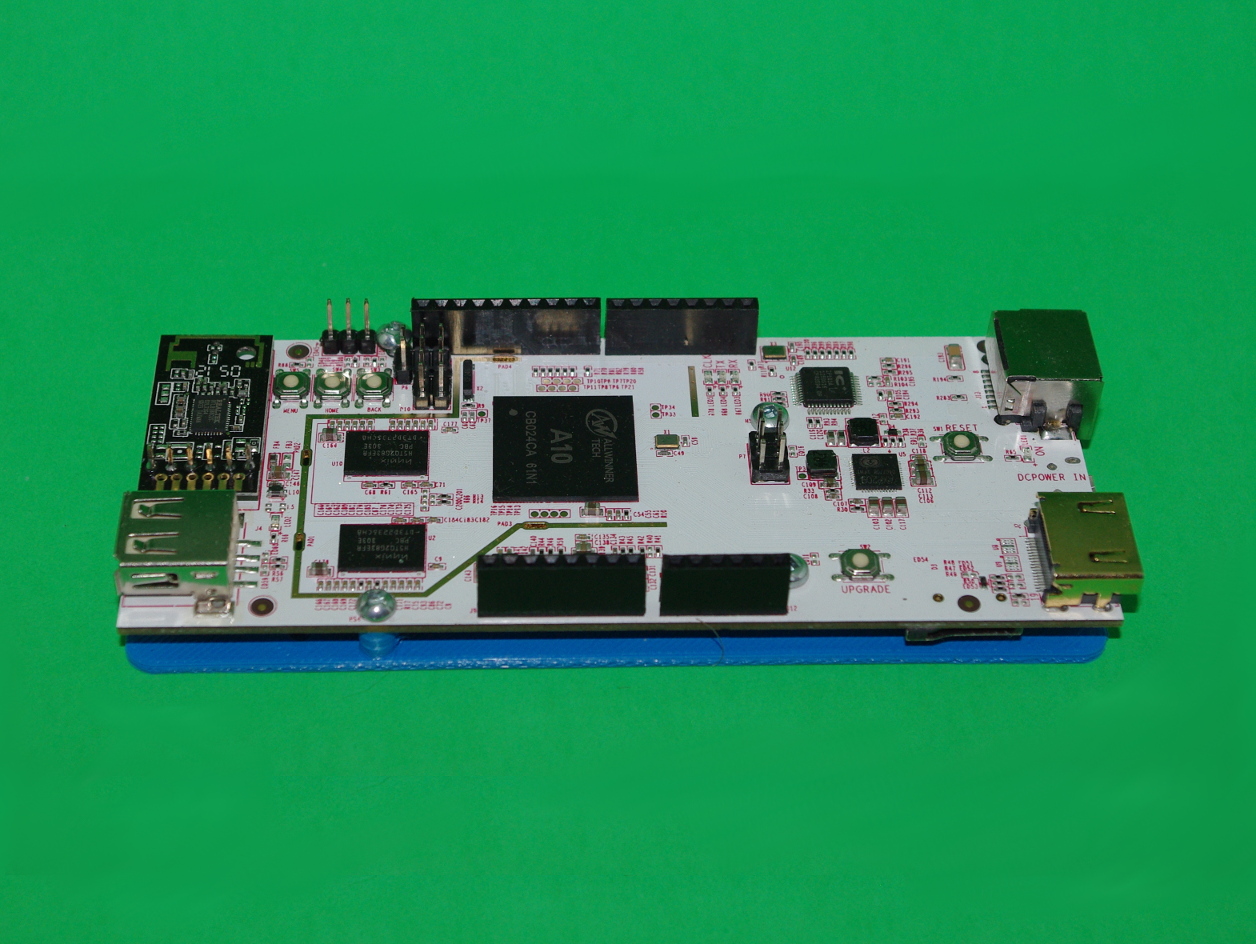
pcDuino V2 Board Drilling And Mounting Plates
April 17, 2015
· admin
3D Printing
object
This thing contains a mounting plate and a drilling guide for the “pcDuino V2 Board”.
The plates are not symmetrical. The notch shall be on the USB connectors’ side. The base plate is 2 mm thick. M2 5 mm or 1/4″ 4-40 screws are needed to fasten the board to the mounting plate. The mounting holes are three mm in diameter.
The holes do not go through the lower layer to make it easier to print. You will have to drill them.
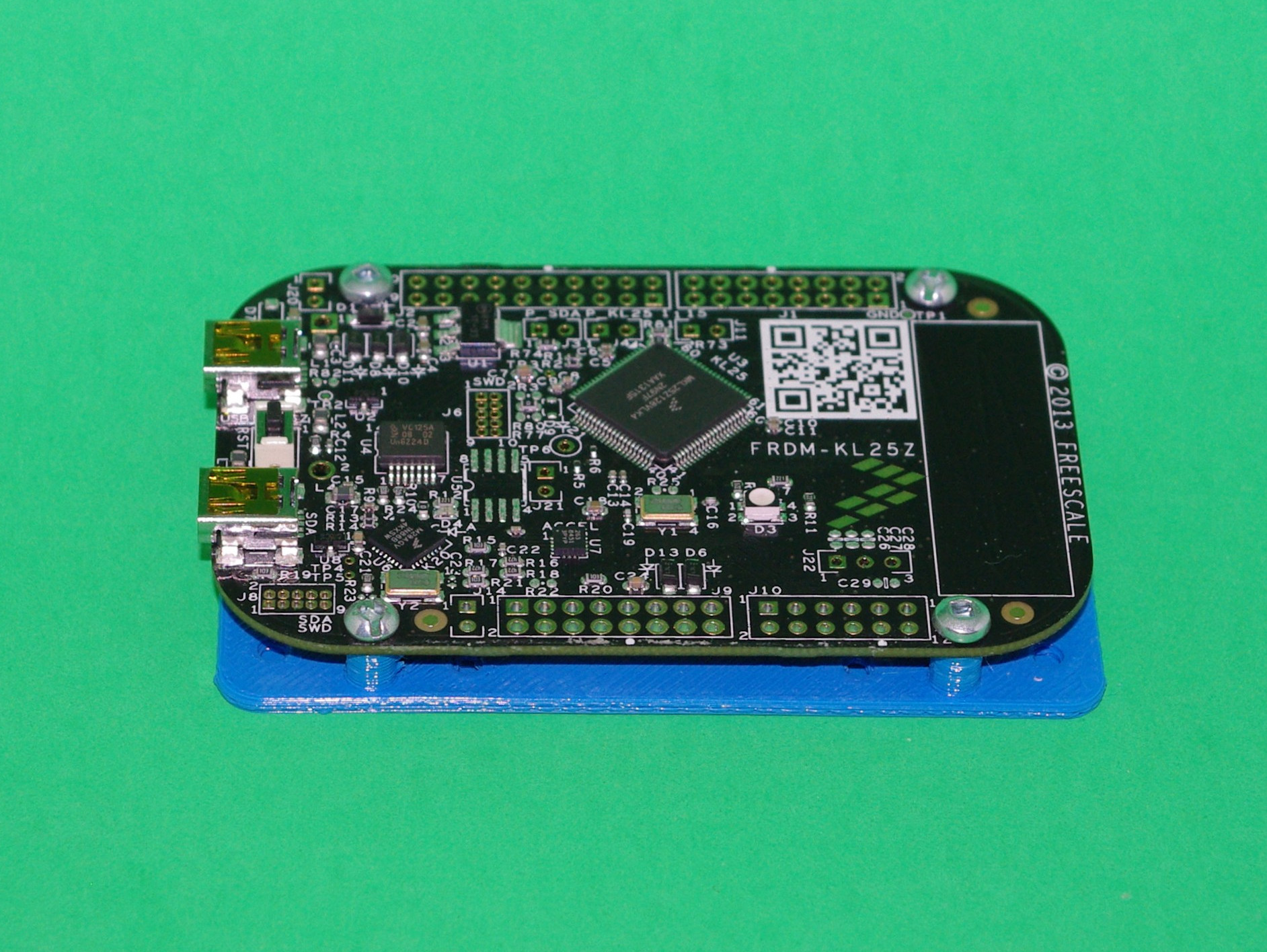
Freescale FRDM-KL25Z Board Drilling And Mounting Plates
April 16, 2015
· admin
3D Printing
object
This thing contains a mounting plate and a drilling guide for the “Freescale FRDM-KL25Z Board”.
The plates are not symmetrical. The notch shall be on the USB connectors' side. The base plate is 2 mm thick. M2 5 mm or 1/4″ 4-40 screws are needed to fasten the board to the mounting plate. The mounting holes are three mm in diameter.
The holes do not go through the lower layer to make it easier to print. You will have to drill them.
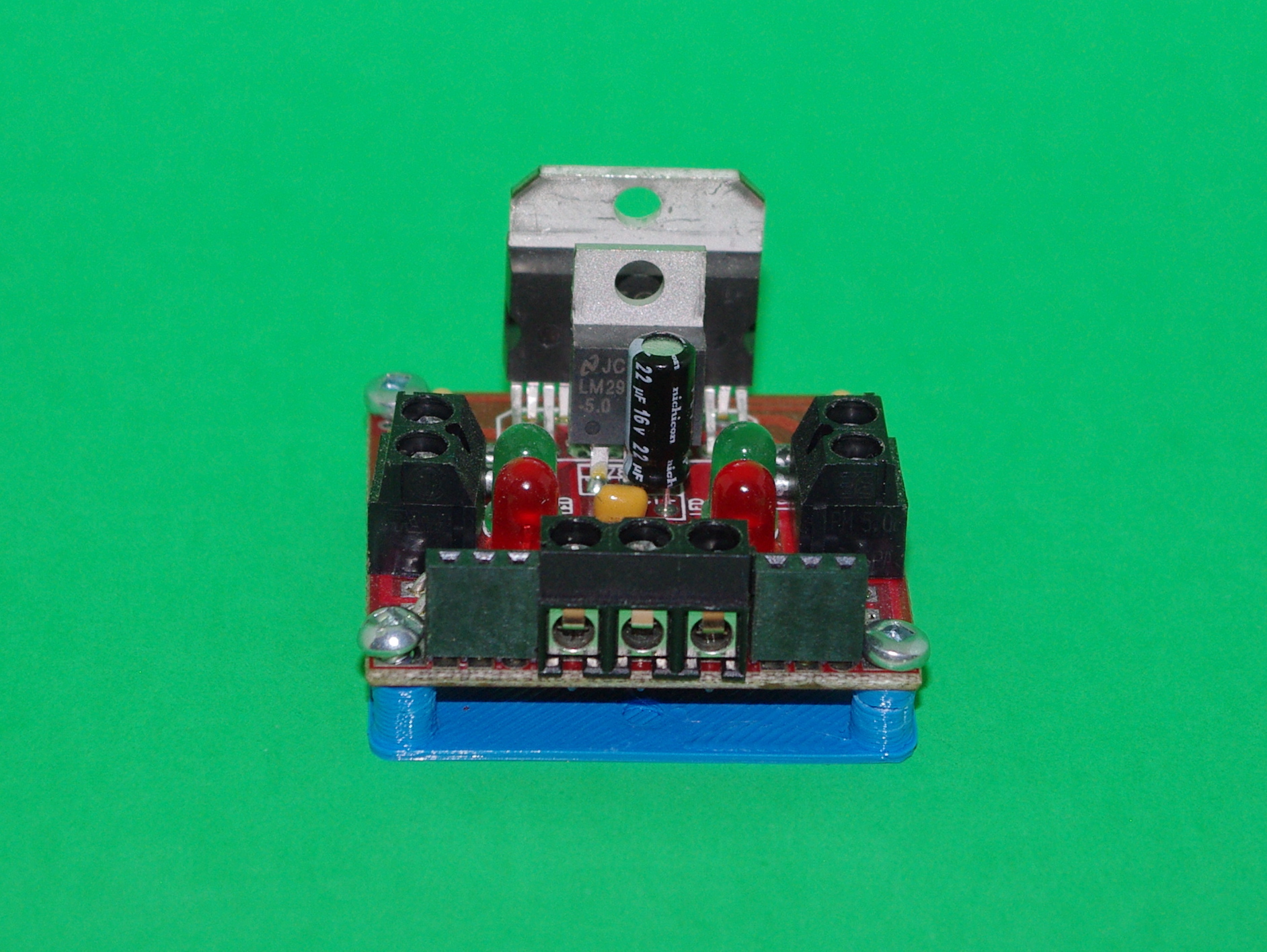
Solarbotics L298 Compact Motor Driver Drilling and Mounting Plates
April 16, 2015
· admin
3D Printing
object
This thing contains a mounting plate and a drilling guide for the “Solarbotics L298 Compact Motor Driver”.
The base plate is 1.5 mm thick. M2 5 mm or 1/4″ 4-40 screws are needed to fasten the board to the mounting plate. The mounting holes are three mm in diameter.
The holes do not go through the lower layer to make it easier to print. You will have to drill them.
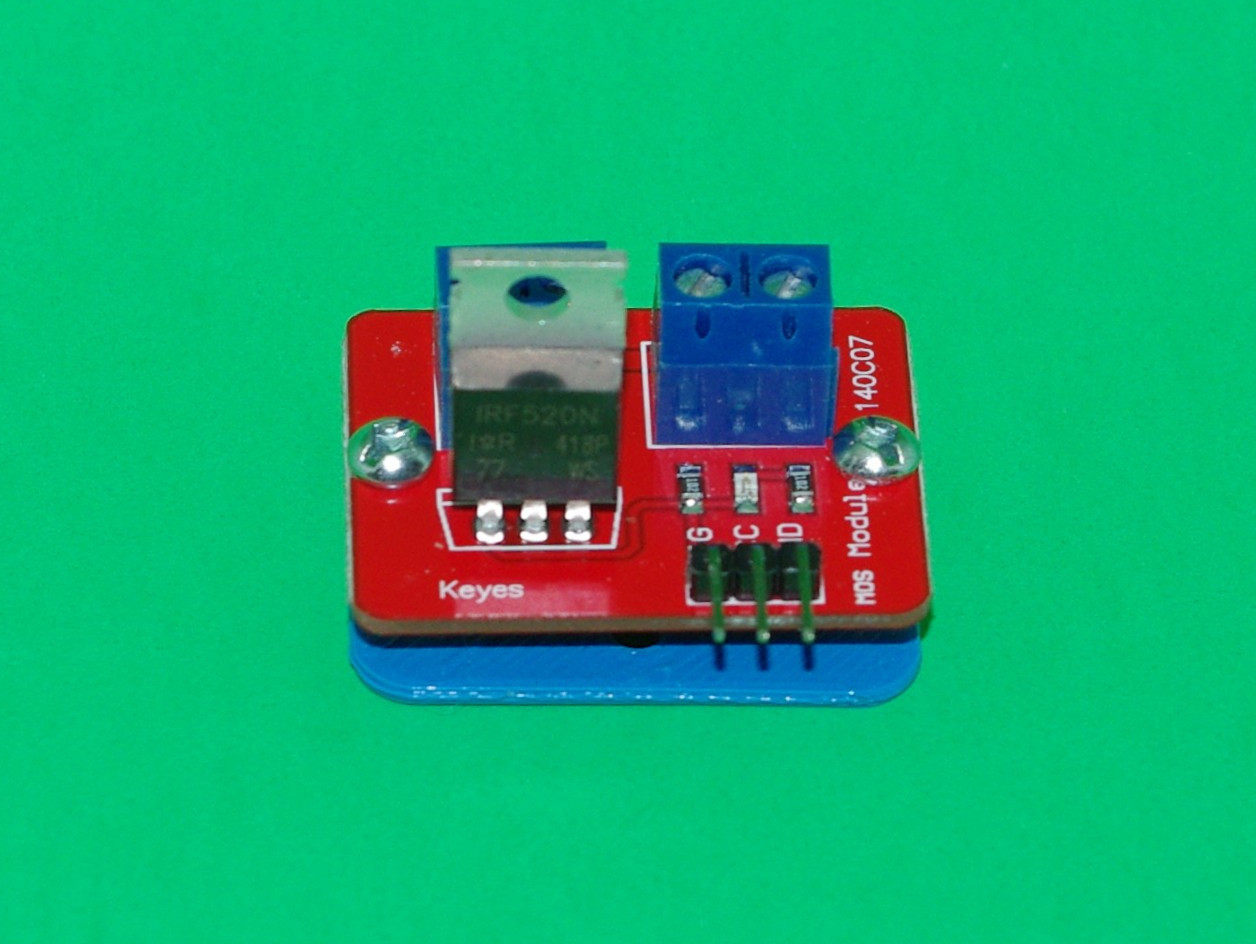
Keyes Mosfet Power Control Board Mounting And Drilling Plates
April 14, 2015
· admin
3D Printing
object
This thing contains a mounting plate and a drilling guide for the “Keyes Mosfet Power Control Board”.
The base plate is 1.5 mm thick. M2 5 mm or 1/4″ 4-40 screws are needed to fasten the board to the mounting plate. The mounting holes are three mm in diameter.
The holes do not go through the lower layer to make it easier to print. You will have to drill them.
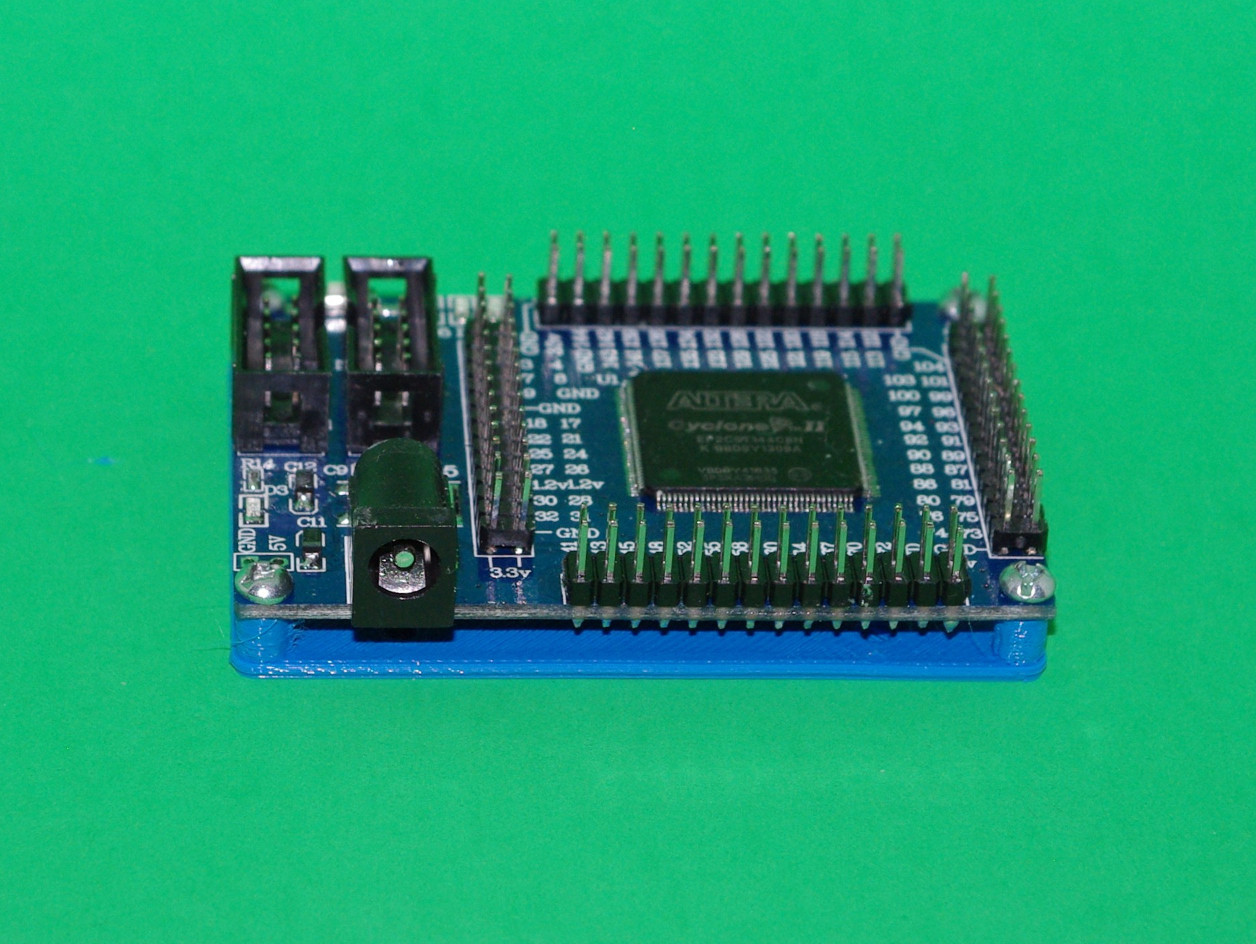
ALTERA Cyclone II FPGA Development Board Mounting and Drilling Plates
April 13, 2015
· admin
3D Printing
object
This thing contains a mounting plate and a drilling guide for the “ALTERA Cyclone II FPGA Development Board”.
The base plate is 1.5 mm thick. M2 5 mm or 1/4″ 4-40 screws are needed to fasten the board to the mounting plate. The mounting holes are three mm in diameter.
The holes do not go through the lower layer to make it easier to print. You will have to drill them.
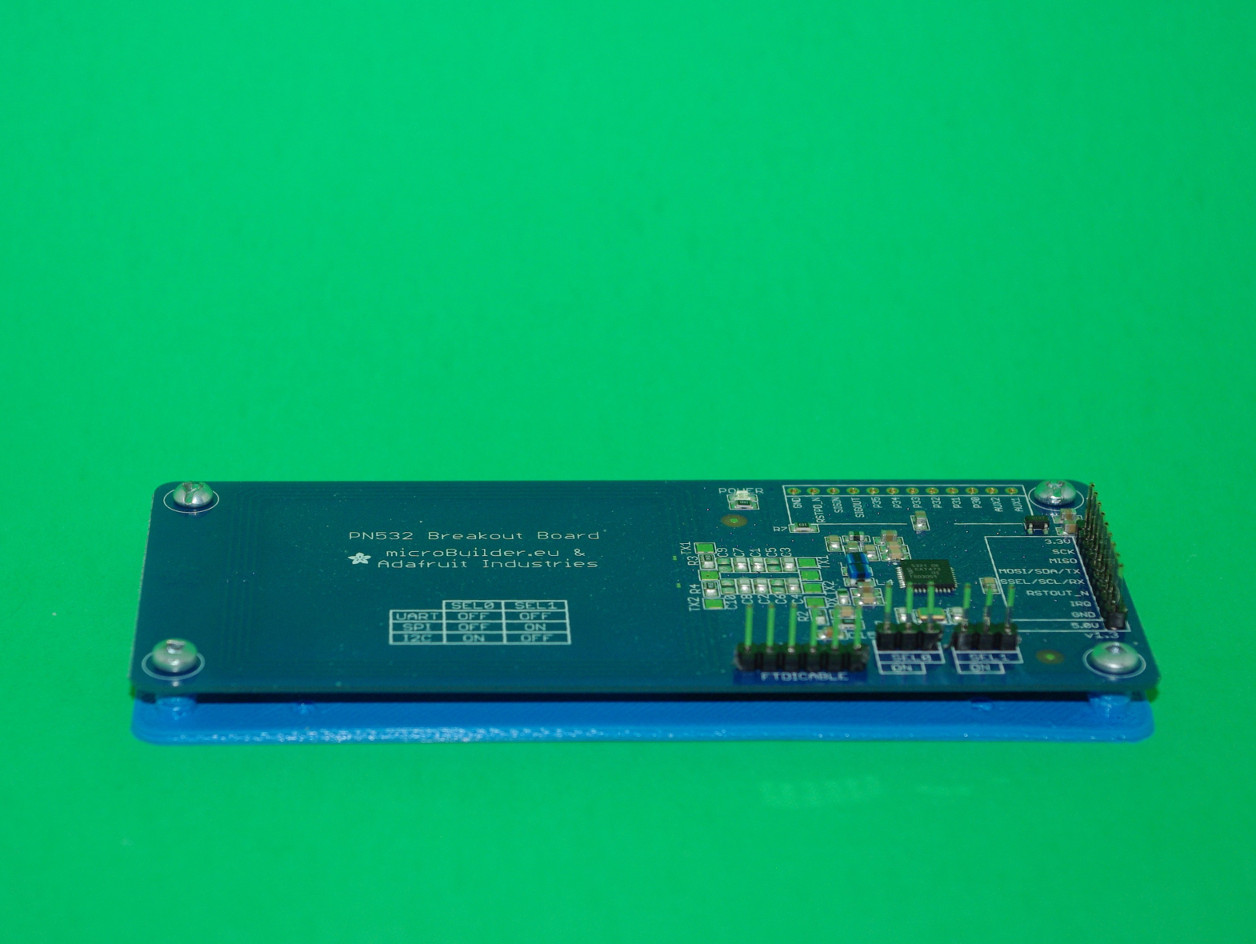
PN532 Breakout Board Mounting Plate And Drilling Guide
April 12, 2015
· admin
3D Printing
object
This thing contains a mounting plate and a drilling guide for the Adafruit “PN532 Breakout Board" (ID 364).
The base plate is two mm thick. M2 5 mm or 1/4″ 4-40 screws are needed to fasten the board to the mounting plate. The mounting holes are three mm in diameter.
The holes do not go through the lower layer to make it easier to print. You will have to drill them.
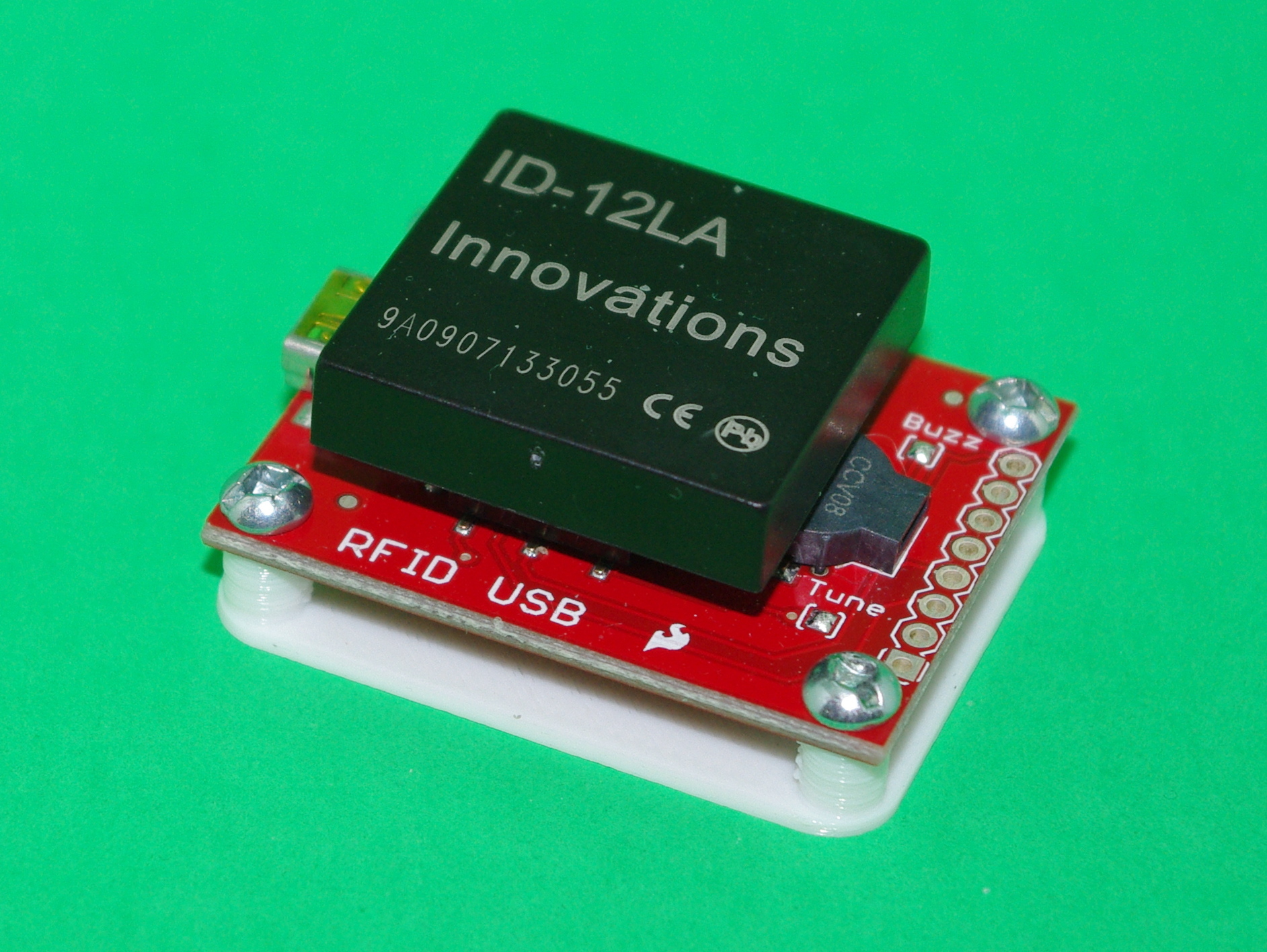
SparkFun RFID USB Reader mounting plate and drilling guide
April 11, 2015
· admin
3D Printing
object
This thing contains a mounting plate and a drilling guide for the "SparkFun RFID USB Reader" (SEN-09963).
The base plate is one mm thick. M2 5 mm or 1/4" 4-40 screws are needed to fasten the board to the mounting plate. The mounting holes are three mm in diameter.
The holes do not go through the lower layer to make it easier to print. You will have to drill them.
This thing is a complement to Enclosure for the Sparkfun RFID USB Reader.
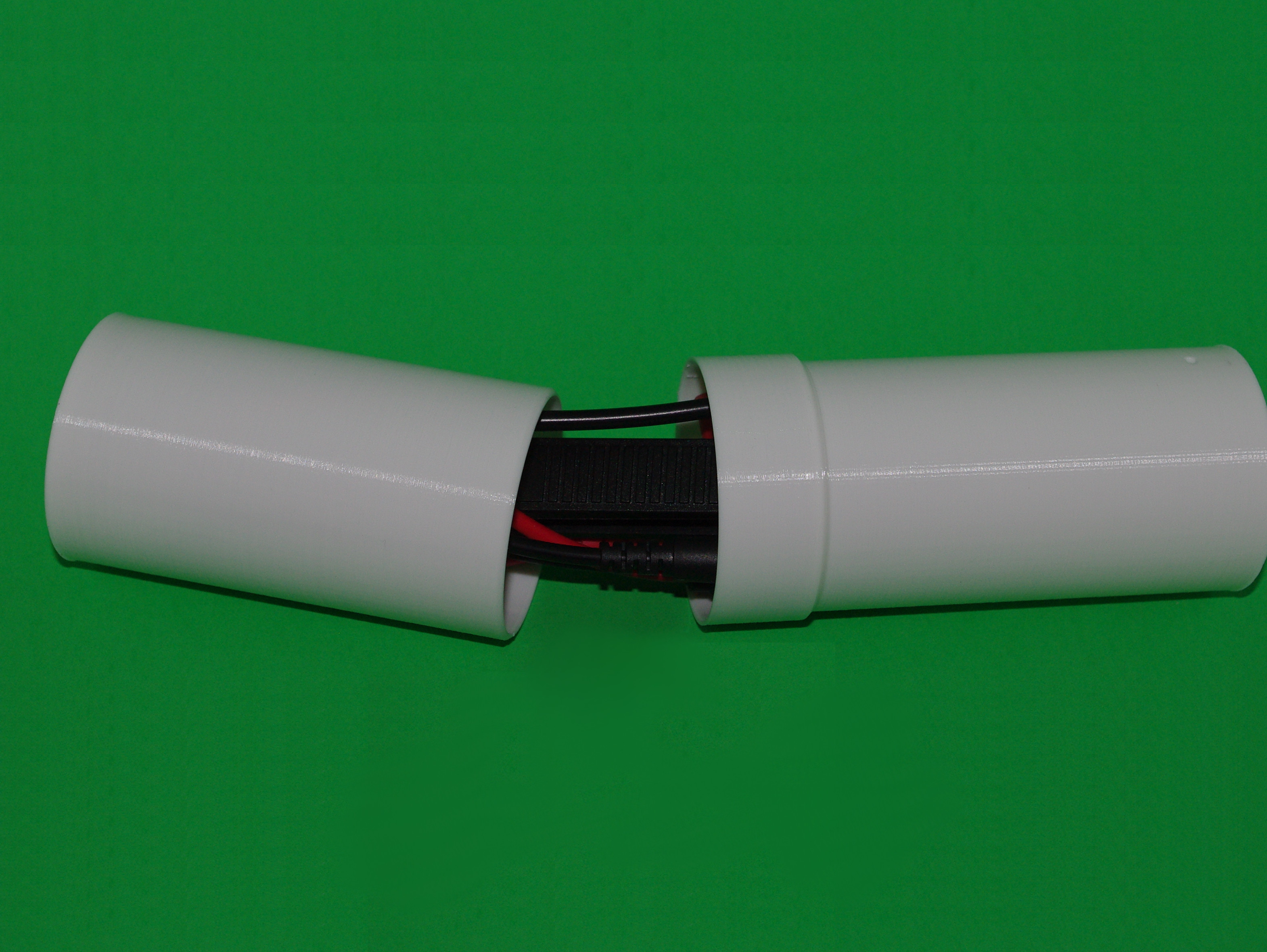
SMD Probe Case
March 25, 2015
· admin
3D Printing
object
This SMD probe can be bought on Ali Express or Ebay. The inner space (available space for storage) is 47 mm x 177 mm. Both parts should be printed with 100% of infill.
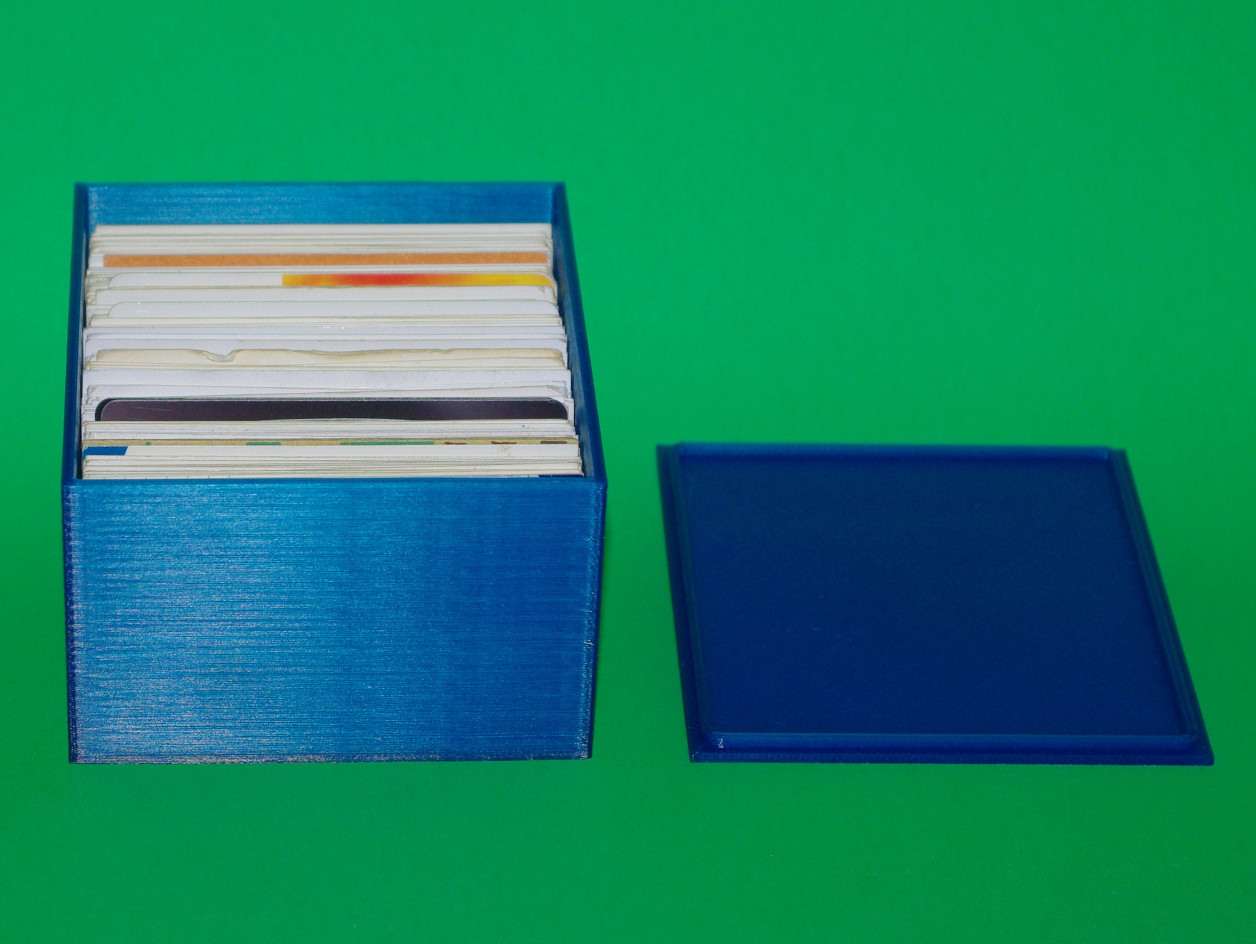
Business Cards And Credit Cards Storage Box
March 21, 2015
· admin
3D Printing
object
It is suitable for Norh American 2.5" x 3 " business card. In addition, credit cards also fit in this box.

Octoprint and Cura Disk Image for the Raspberry Pi (Version 2015-03-15)
March 16, 2015
· admin
Raspberry PI
Wheezy
3D Printing
Cura
Octoprint
Cura integrated with Octoprint brings your 3D printer to the next level. You can download from HERE a fully functional image of Cura integrated with Octoprint. Simply copy this image to an SD-card of 4GB or more. Instruction to copy an image on an SD-card is given on this PAGE. You will need to unzip this file prior copying the image to the SD-card.
A 4 GB SD-card will give you about 1.2 GB of free space to upload your models after expanding the filesystem. Be aware that some folders are hidden. Make sure you display them.
This image is based on the following: