
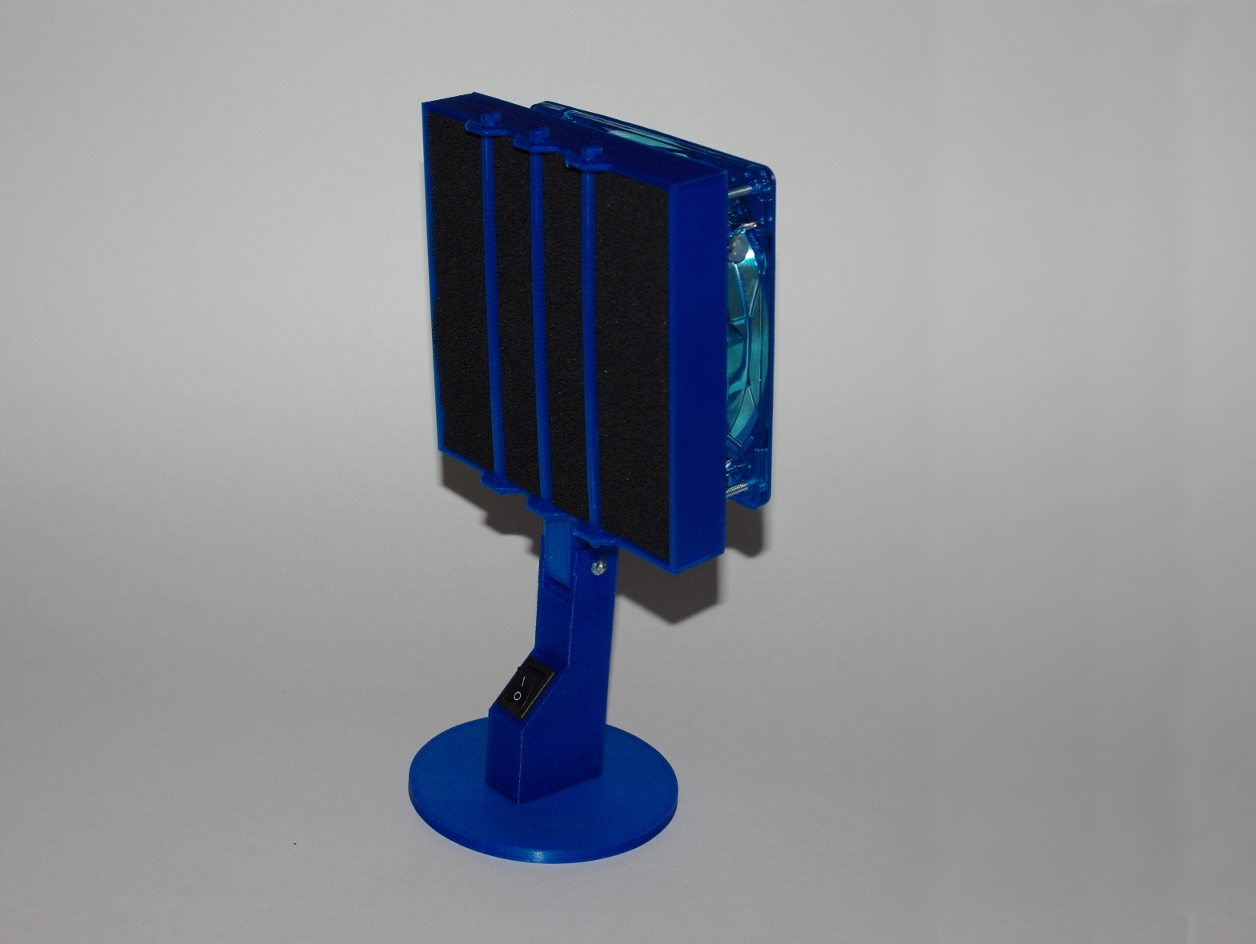
Fume Extractor
March 15, 2015
· admin
3D Printing
object
This fume extractor uses carbon filters of 130mm x 130mm x 10mm. These are used for the HAKKO 491/493 fume extractor. To build it, you'll need:
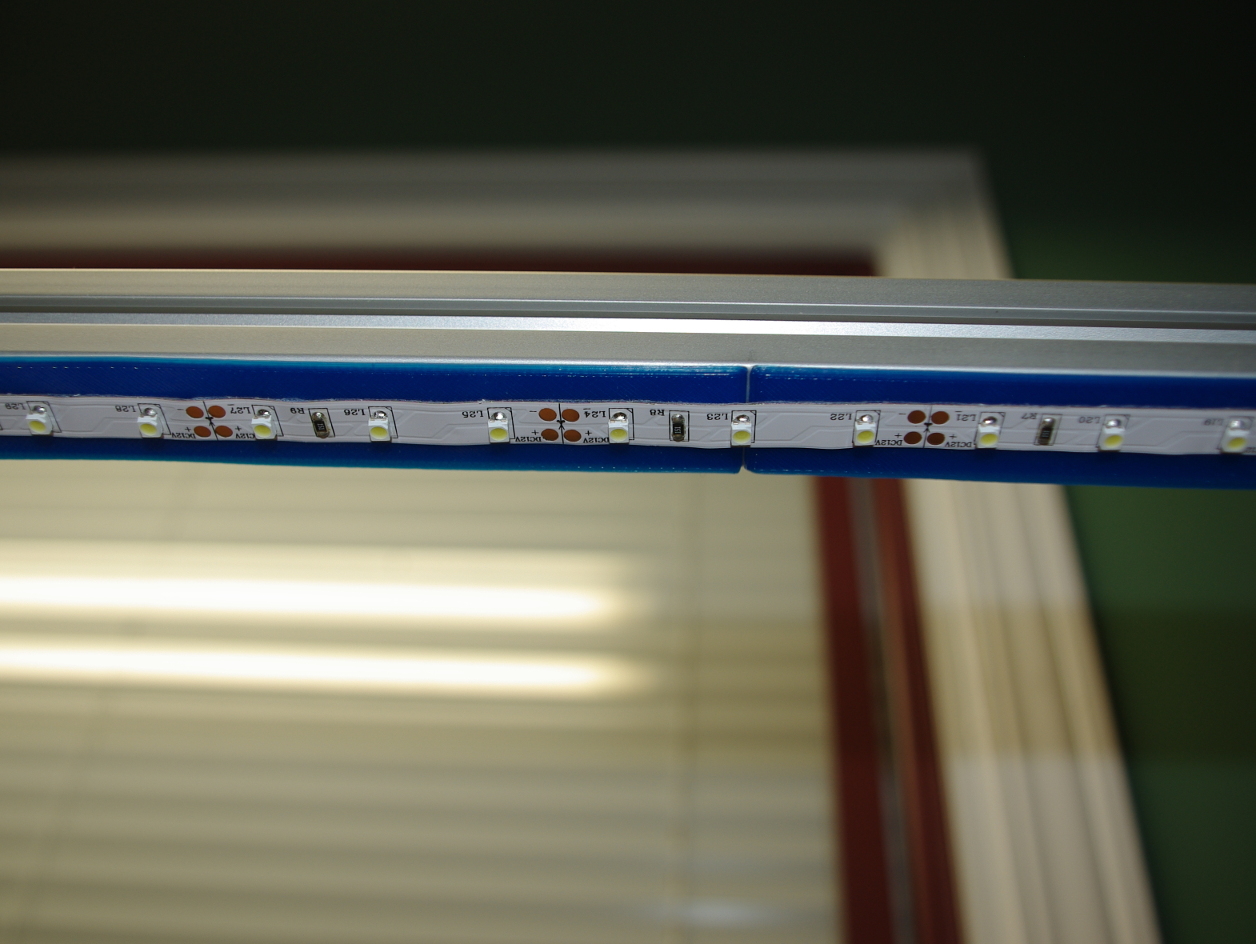
Aluminium Extrusion Led Strip Holder
March 7, 2015
· admin
3D Printing
object
This thing is a self-adhesive strip holder who covers a 20 mm wide aluminium extrusion (like Misumi). The strip is 175 mm x 20 mm. It snaps in the extrusion groove. Stick the led strip on the holder.
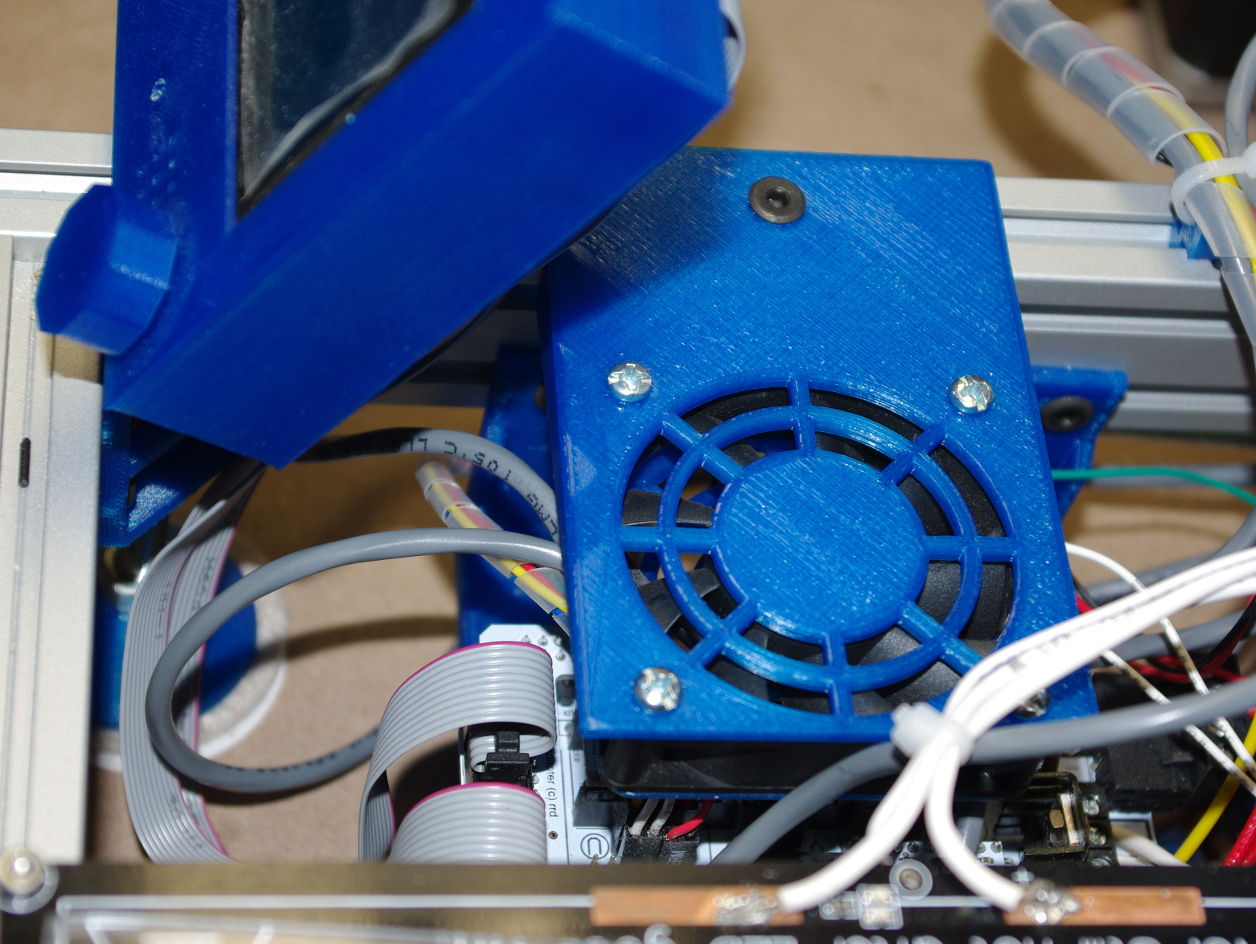
Fan Holder for Aluminium Extrusion (New Design)
March 5, 2015
· admin
3D Printing
object
This fan holder for aluminium extrusion replaces the previous design (Aluminium Extrusion Fan Holder). The fan is now placed on top of the Ramps instead beside it, which makes it easier to remove if needed. It uses a 60 mm fan.
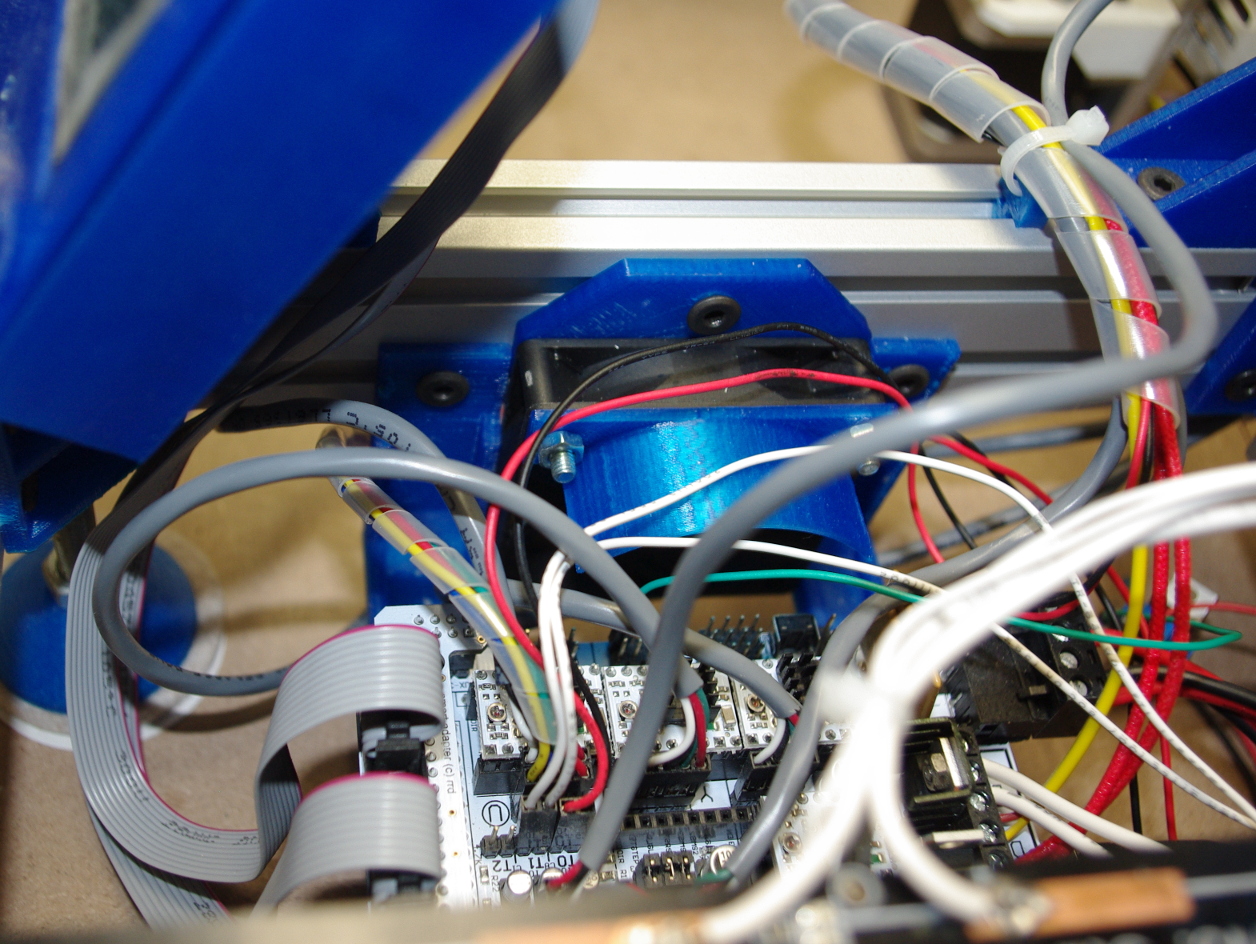
Aluminium Extrusion Fan Holder
March 5, 2015
· admin
3D Printing
object
This is a 60 mm fan holder to cool off a 3D Printer Ramps. This holder is design to be mounted on aluminium extrusion. A deflector is also provided to prevent the air to go on the heated bed.
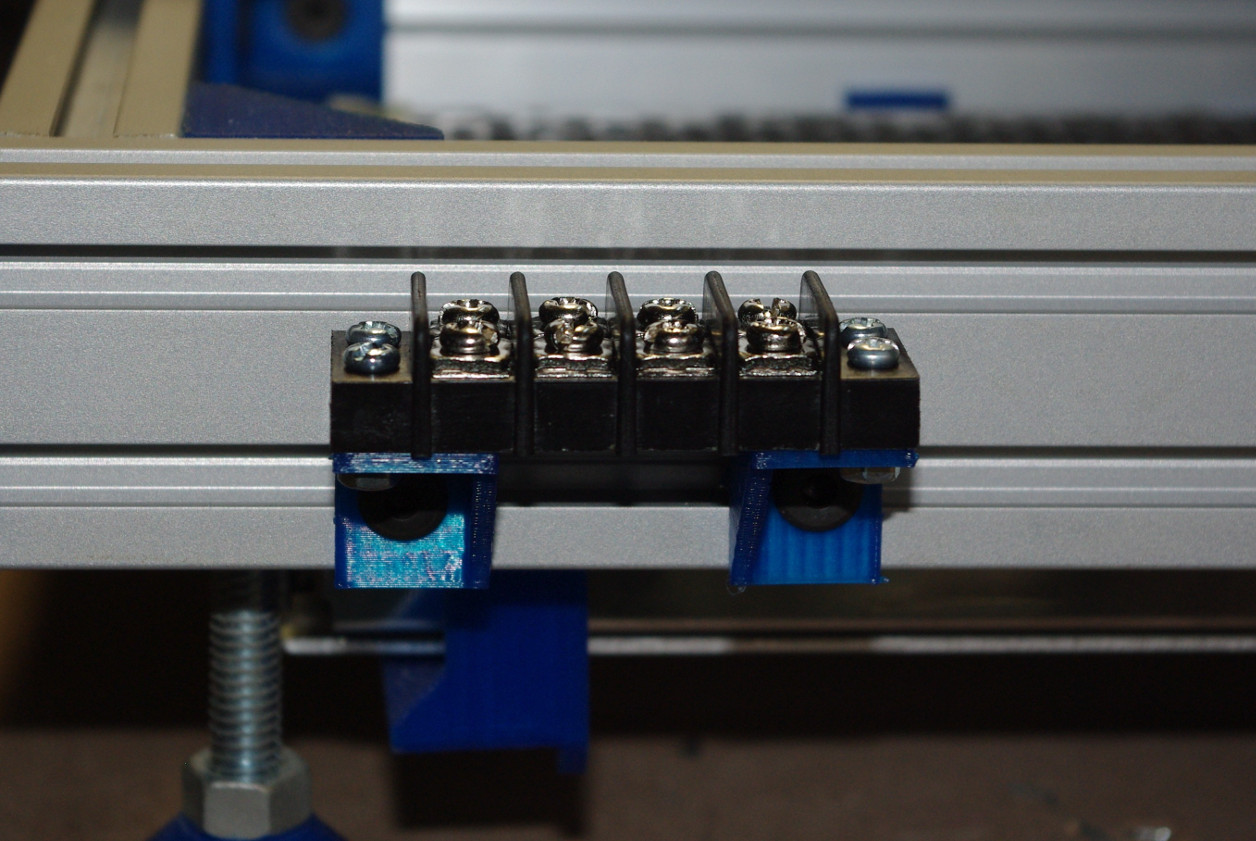
Terminal Block Holder for Aluminium Extrusion
March 4, 2015
· admin
3D Printing
object
These are simple terminal block holders for Misumi aluminium extrusion (or equivalent). There is a 3 to 4 mm space between the extrusion and the terminal block to run some wires.
3D Printing ABS Juice
March 1, 2015
· admin
3D Printing
ABS
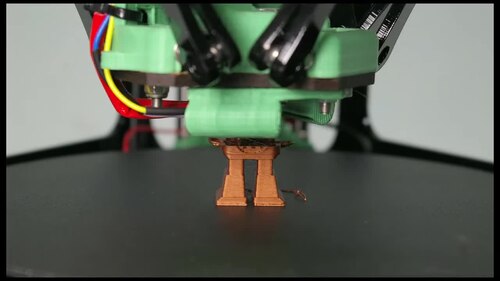
ABS juice makes the first layer of a print stick very well to the print bed. Put a small quantity of ABS juice on a paper towel and rub it gently on the printing bed. Making ABS juice is simple. In order to do so, you will need:
How to Install libnfc for PN532 NFC Readers on Linux
February 25, 2015
· admin
Ubuntu 11.10
Ubuntu 11.04
Ubuntu
Linux
Ubuntu 12.04
Ubuntu 14.04
PN532
GO2NFC
Installing libnfc for PN532 based NFC reader is not exactly as described in the documentation. Some information is scattered in the documentation. This installation guide has been tested with the GO2NFC GO2NFC141U NFC Reader and the Adafruit PN532 NFC/RFID controller breakout board.
1) Install the dependencies:
sudo apt-get install libusb-0.1-4 libusb-dev libpcsclite1 libpcsclite-dev libccid pcscd
2) Create the configuration directory
sudo mkdir -p /etc/nfc/devices.d/
3) Create the file /etc/nfc/devices.d/pn532\_uart.conf containing
name = "PN532 board via UART"
connstring = pn532_uart:/dev/ttyACM0
allow_intrusive_scan = true
Replace ttyACM0 with ttyUSB0 if you are using the Adafruit reader.
5) Create the file /etc/nfc/libnfc.conf containing
allow_autoscan = true
6) Download the libnfc library at https://bintray.com/nfc-tools/sources/libnfc. Decompress the archive somewhere. Go into the libnfc-x.x.x directory.
7) Build the library
sudo ./configure --sysconfdir=/etc --prefix=/usr --with-drivers=pn532_uart
sudo make
sudo make install
8) Test your installation. Execute the command utils/nfc-scan-device. You should get an output similar to this one:
nfc-scan-device uses libnfc 1.7.1
1 NFC device(s) found:
- pn532_uart:/dev/ttyACM0:
pn532_uart:/dev/ttyACM0
How To Setup an Internet Gateway using Ubuntu
February 18, 2015
· admin
Ubuntu 11.10
Ubuntu 11.04
Ubuntu
Linux
Ubuntu 12.04
Ubuntu 14.04
Networking
Setting up an Internet Gateway using Ubuntu is pretty straight forward. In order to do so, you will need:

SYSTEM WARNING: session_start()...No such file or directory.
February 18, 2015
· admin
PHP
Mantis
When installing Mantis in a shared hosting environment, you may get an error message like this one on the Mantis login panel:
> SYSTEM WARNING: session\_start() [function.session-start]: open(/var/php\_sessions/sess\_ac5acafaecb612345675d30123456789, O\_RDWR) failed: No such file or directory (2)
How to rotate or flip a video?
February 15, 2015
· admin
Video
Handbrake
This can be easily done using HandBrake. Simply add the following option in the tab VIDEO in the EXTRA OPTIONS box:
, --rotate=n
Take note that the comma and the space following it are required.
n can take one of these values:
1 = x flip
2 = y flip
3 = 180 degrees rotate (DEFAULT)
4 = 90 degrees rotate (clockwise)
5 = 90 degrees rotate + y flip
6 = 270 degrees rotate + y flip
7 = 270 degrees rotate