
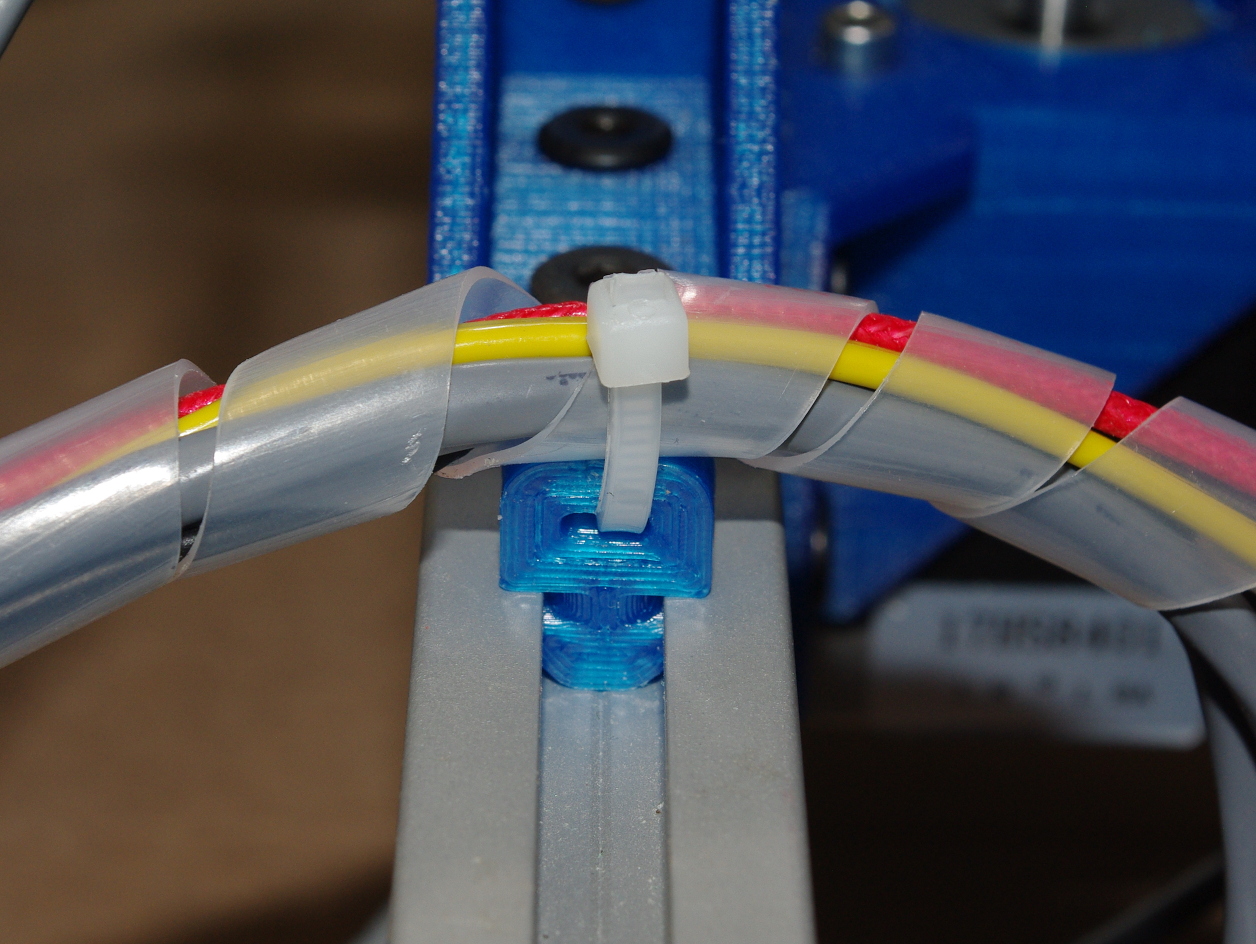
T-Slot Zip Tie Mount
November 9, 2014
· admin
3D Printing
object
This zip tie mount is compatible with Misumi aluminium extrusions.
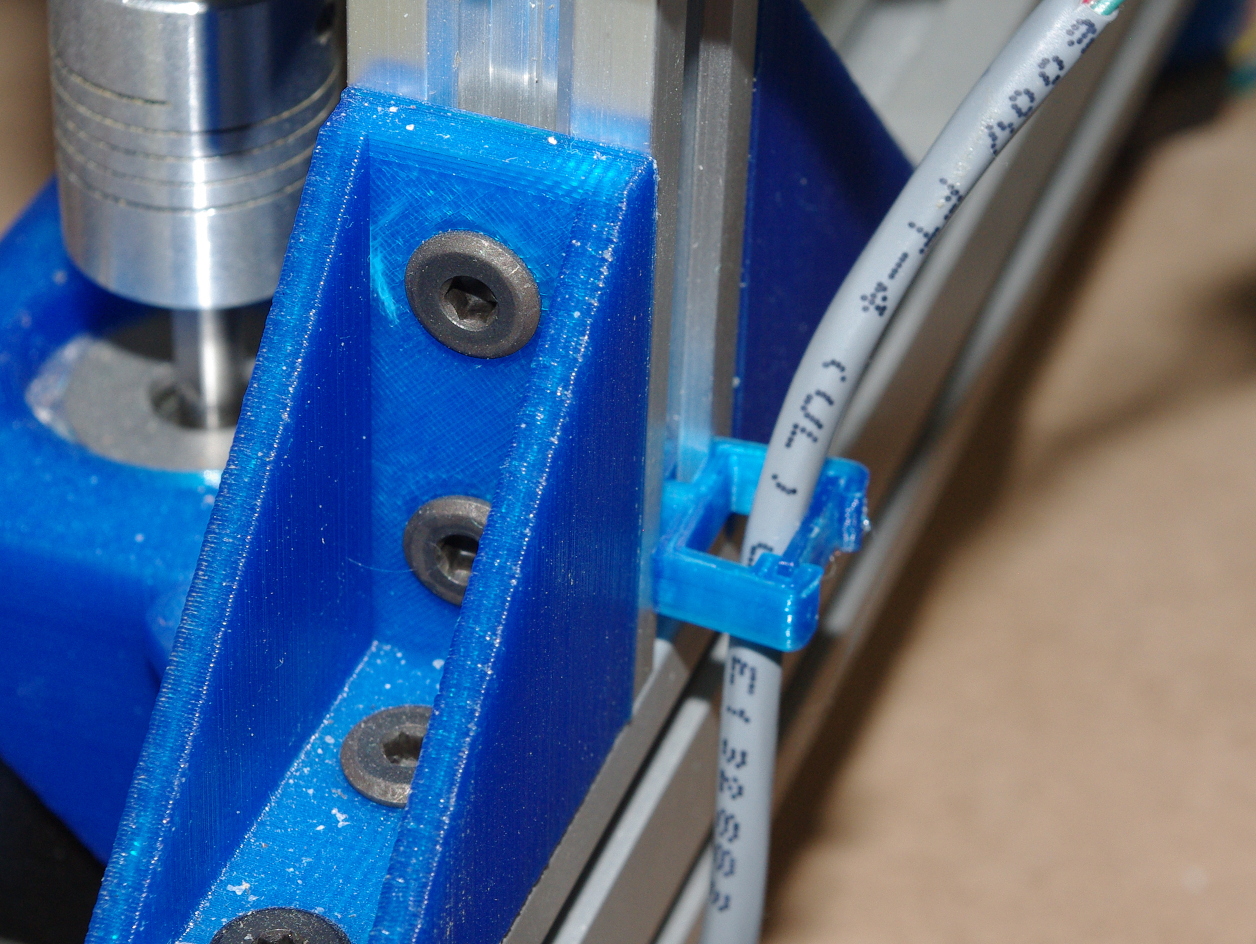
Simple T-Slot Cable Holder
November 6, 2014
· admin
3D Printing
object
This simple cable holder is compatible with Misumi aluminium extrusions.
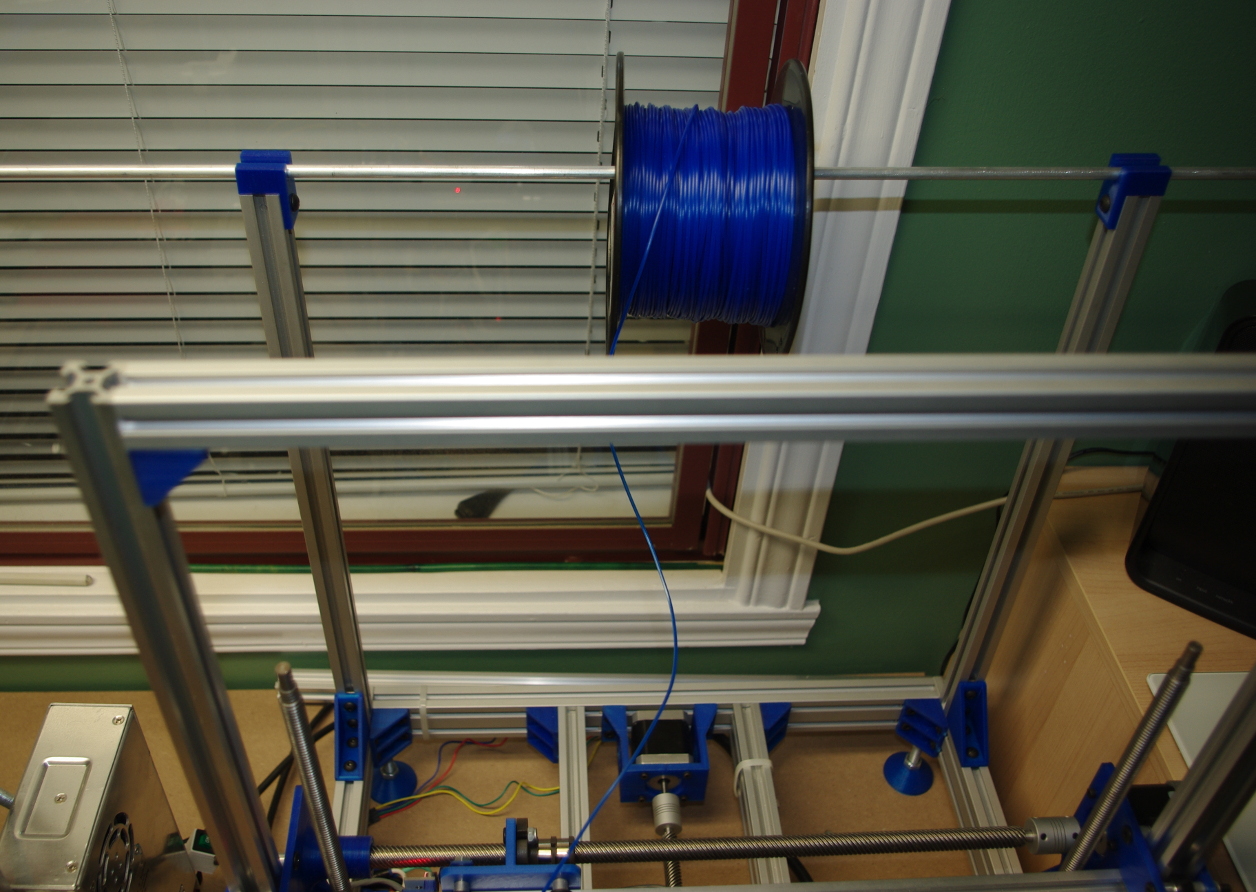
20 MM x 20 MM Aluminium Extrusion Spool Holder
November 3, 2014
· admin
3D Printing
object
This is a very simple spool holder built from 20 mm x 20 mm aluminium extrusion. The upper round rod supporting the spool is also made from aluminium. Its diameter is 6.35 mm (1/4"). The length of the two bars making the vertical frame of the spool holder depends on the printer. Mines are 44 cm long.
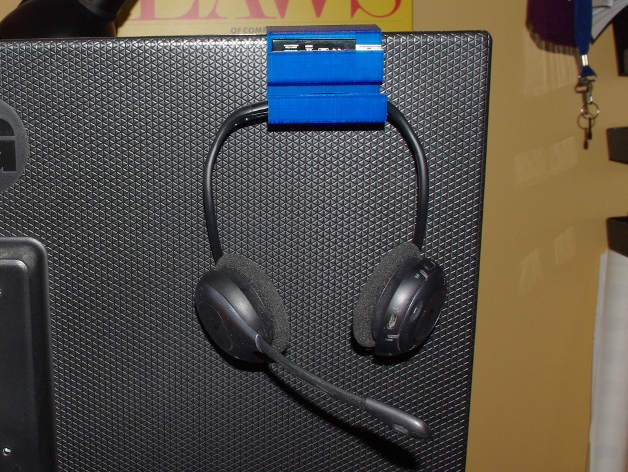
Headset Hook
November 3, 2014
· admin
3D Printing
object
This is a simple hook for a Logitech H760 wireless headset. It lets me hang it behind my monitor. A holder is provided for the USB dongle.
Voltmeter Support Plate
November 3, 2014
· admin
3D Printing
object
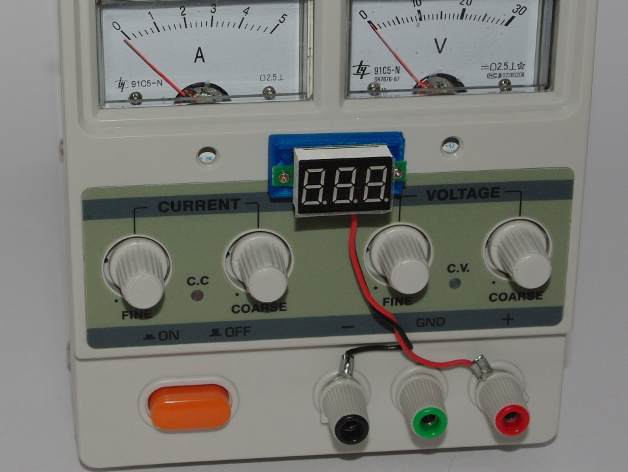
This is a simple plate for a cheap voltmeter. The voltmeter dimensions are 23 mm x 14 mm. The holes to screw the voltmeter to the plate are 28 mm apart. Once the voltmeter is on the plate, glue or double face tape is used to mount is on whatever you want.
phpMyAdmin session timeout
October 9, 2014
· admin
Ubuntu
Ubuntu 14.04
phpMyAdmin
phpMyAdmin session timeout is controlled through two parameters. The first one can be found in /etc/php5/apache2/php.ini. It is called session.gc\_maxlifetime. The other one can be found in the phpMyAdmin configuration file often named /etc/phpmyadmin/config.inc.php. The name of the parameter is LoginCookieValidity.
The one located in /etc/php5/apache2/php.ini superseeds the one given in /etc/phpmyadmin/config.inc.php if it is smaller.
phpMyAdmin might also have a local php.ini that can override /etc/php5/apache2/php.ini.

Java Applets are no longer working in Linux
September 24, 2014
· admin
Linux
Ubuntu 14.04
Java Applets
Chrome
NPAPI support was dropped in Chrome version 35 introduced in Spring 2014. One of the consequences is that Java Applets running with IcedTea no longer works.
Upgrading to Ubuntu 14.04 install the newest version of Chrome. You then lose the ability to run IcedTea in Chrome. The only alternative I have found is using Firefox.
Issues after upgrading to Ubuntu 14.04.1
September 7, 2014
· admin
Unix
Ubuntu
Ubuntu 14.04
After upgrading to Ubuntu 14.04.01, I ran into two issues: One with Apache2 and one with Samba 4.
Apache has been upgraded from 2.2.22 to 2.4.7. The content was no longer accessible. The site configuration directives Order, Allow and Deny such as
Order allow,deny
Allow from all
are now replaced with the Require directive. Detailed information can be found at Apache Module mod\_authz\_core.
Samba has been upgraded from version 3.6.3 to 4.1.6. The "valid users" behavior changed. It works if the user given in the "force user" directive is listed in the "valid users". For example, datacloud has to be listed in the "valid users".
valid users = ctheroux,datacloud
force user = datacloud

An Arduino library for the MAX7219 Led Display Driver.
July 20, 2014
· admin
Arduino
The MAX7219 chip does a wonderful job when its time to drive either a 64 led matrix or an eight digit (seven segments) display. Only three wires are required: a chip select (CS), a data in (DIN) and a clock (CLK). The protocol is simple. I've written an Arduino library that implements this protocol. Specifications can be found at MAX7219.
The library comes with some code examples. Look in the File >> Examples >> CTTMAX7219 sub-menu in the Arduino IDE. Refer to the display and chip manufacturers to hook the display to the MAX7219 chip. This is straight forward. The display will likely need an external supply. If so, make sure that the Arduino board and the chip have a shared ground. You will need to modify the example code to specify the pins used to connect the DIN, CS and CLK pins of the chip to the Arduino. By default, these are:
/ Clock pin on the arduino. /
int pinCLK = 10;
/ Chip select pin on the arduino. /
int pinCS = 9;
/* Data IN on the arduino. /
int pinDIN = 8;
The download link of the library is CTTMAX7219\_v1.0. You can install it through the Arduino IDE using the usual methods. Detailed information can be found at Installing Additional Arduino Libraries.
Trinket Support On Linux
July 3, 2014
· admin
Arduino
Trinket
The Trinket (Adafruit's Trinket) can be supported on Linux using the Arduino IDE 1.0.5 in only a few steps.