
CR-10 X-axis Height Adjustment Tool
October 29, 2017
3D Printing
object
Description
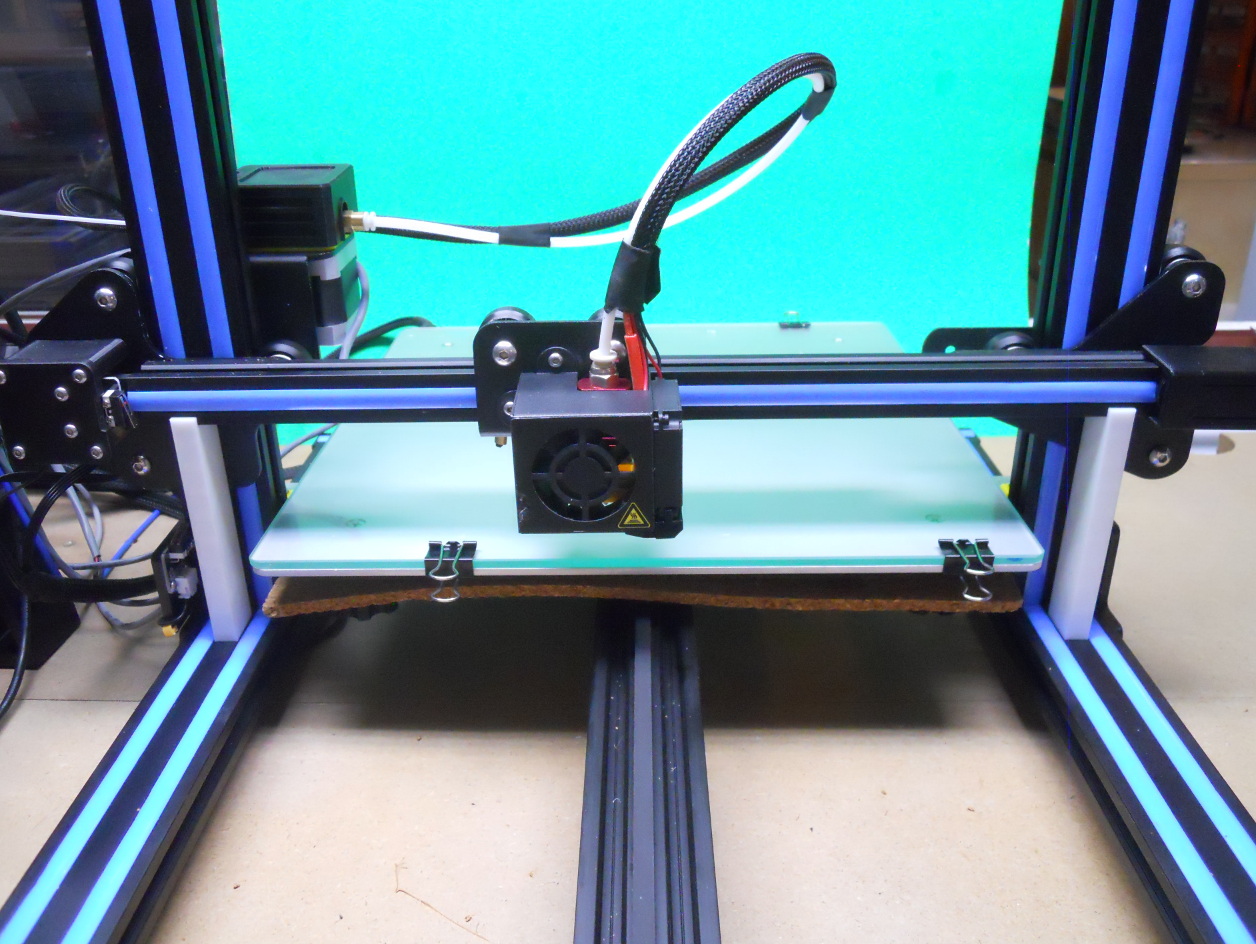
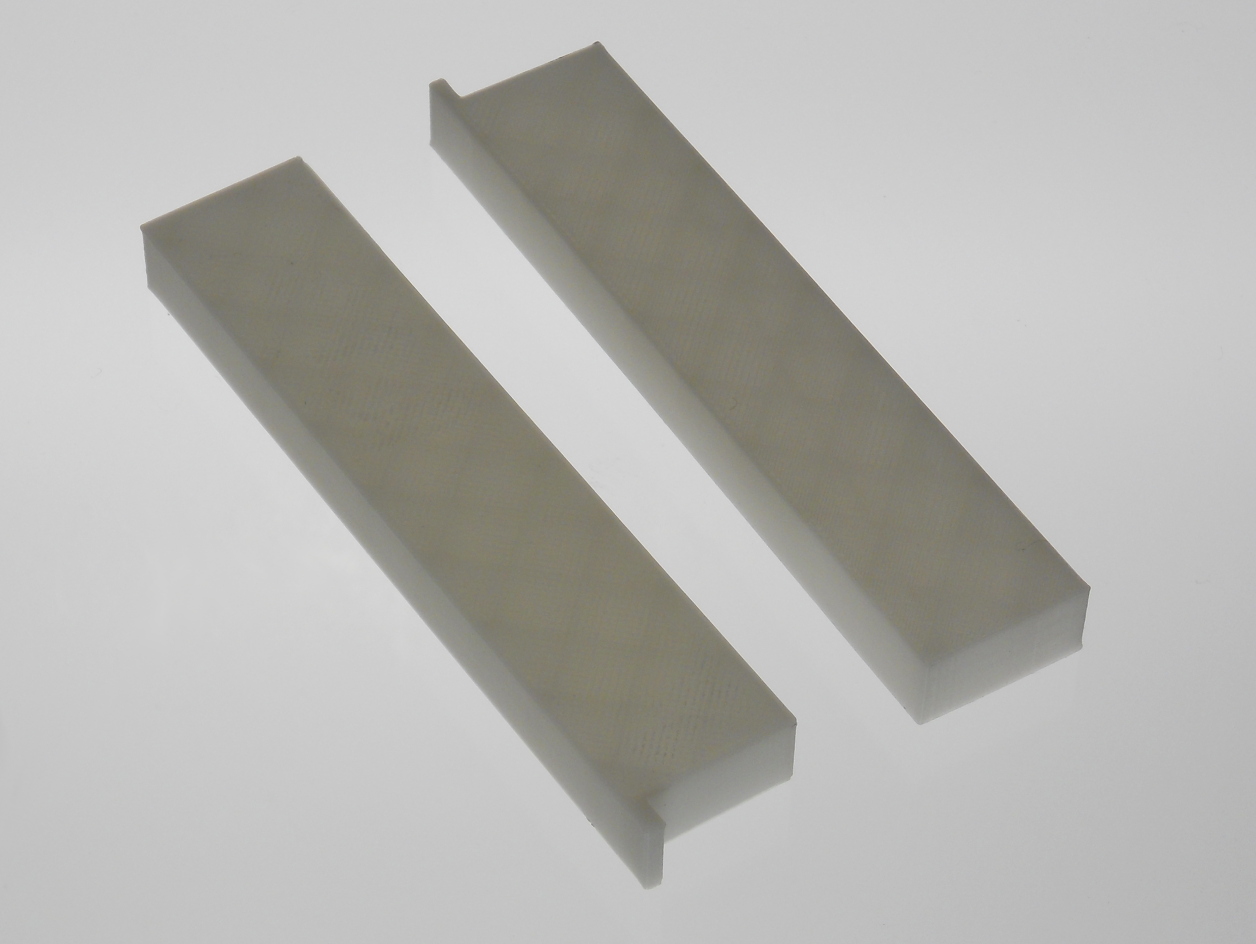
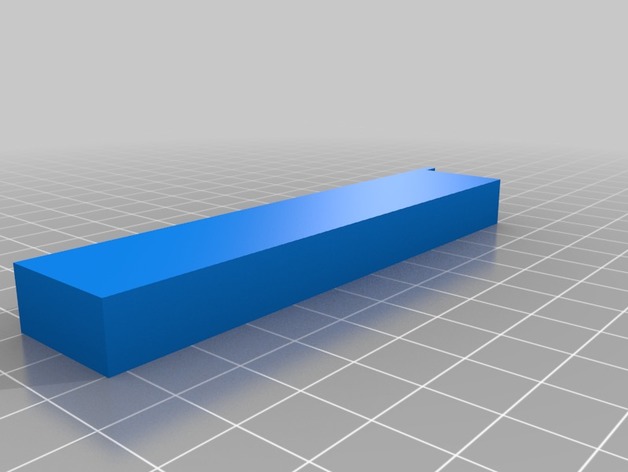
This is a X axis height adjustment tool designed for the CR-10, especially if the Z axis upgrade is installed. Nevertheless, it can be certainly used for other 3D printers. You need to print two tools to use it.
- Move the extruder in the middle on the X-axis.
- Put the adjustement tools on the bottom frame on each side of the X-axis as shown on the main photo.
- Turn the lead screws manually until the X-axis sits on the adjustement tools on both sides.
- Remove the tools and adjust your bed.
The tool is about 100 mm in height, 21 mm deep and 10 mm wide.
This project is distributed under the Creative Commons - Attribution - Non-Commercial - Share Alike (CC-BY-NC-SA) license.
Copyright 2012–2026, Claude "Tryphon" Théroux
Leave a Comment